Viewing the platform activity log
The activity log displays information about activity that has occurred within the platform.
To view the activity log, click Activity Log.
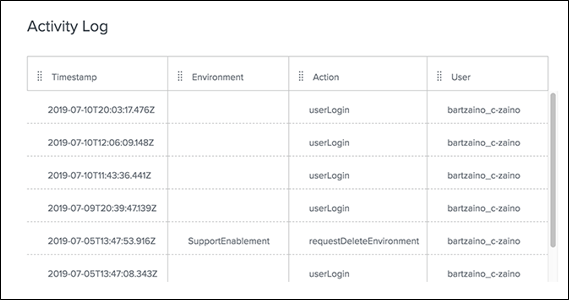
This log provides a timestamp of the date and time the activity occurred, the environment or user affected, the action taken, and the user who performed the action, as shown in this example.
| Use this information for troubleshooting purposes. |