Configuring policy request header mappings using dsconfig
Steps
-
To create a new policy request header mapping, use the
dsconfig create-policy-request-header-mappingcommand and supply themapping-nameandset attribute-namearguments.dsconfig create-policy-request-header-mapping \ --mapping-name x-param-1 \ --set attribute-name: Request.Header.param1
The
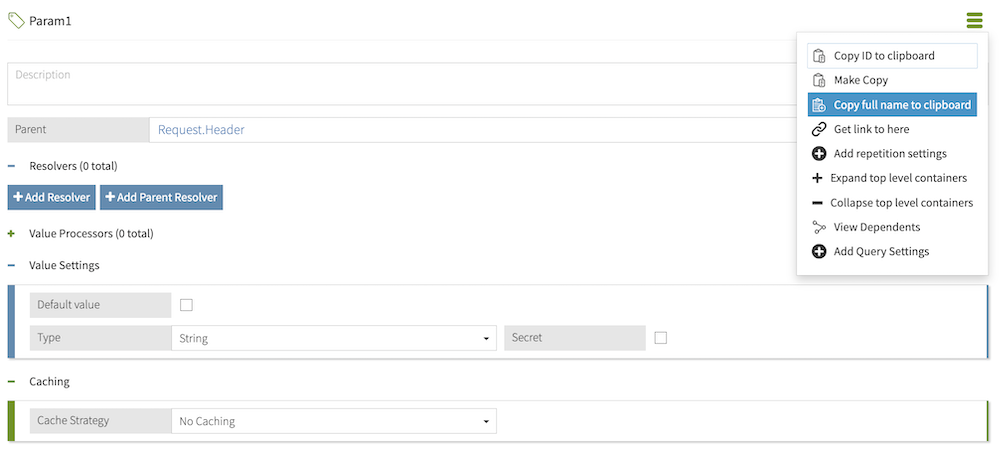
mapping-nameshould match the name of the request header, and theattribute-nameshould match the full name of the attribute defined in the Trust Framework.The full name of an attribute represents that attribute’s full path in the Trust Framework hierarchy. For example, a Param1 attribute with parent attributes Request and Header would have a full name of Request.Header.Param1. To quickly obtain an attribute’s full name, click the hamburger menu of that attribute and select Copy full name to clipboard.