About custom images
In development
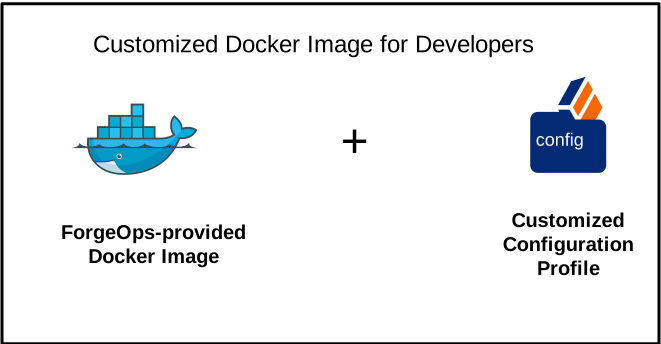
To develop customized Docker images, start with ForgeOps-provided images. Then, build your configuration profile iteratively as you customize the platform to meet your needs. Building Docker images from time to time integrates your custom configuration profile into new Docker images.
To develop a customized DS Docker image, refer to ds image.
To develop a customized AM Docker image, refer to am image.
To develop a customized IDM Docker image, refer to idm image.
In production
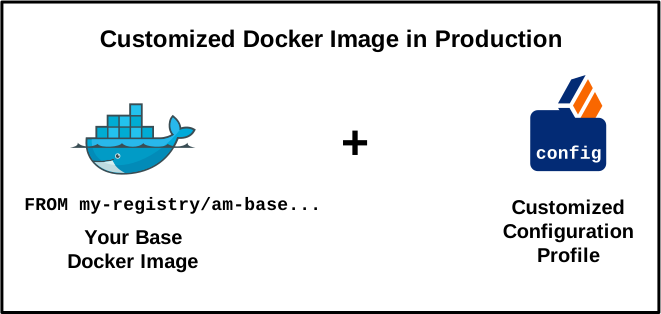
You can incorporate your configuration changes into the BusyBox container. To deploy the platform in production, build your configuration BusyBox container images and integrate in your ForgeOps deployment. The platform images are designed to work with configuration BusyBox containers, so you can use the latest platform images in production without building new PingAM and PingIDM base images. You don’t need to build PingAM and PingIDM base images for production deployment.
Learn more about how to create Docker images for production deployment of the platform in Base Docker images.