Introducing PingOne Recognize to users
To introduce PingOne Recognize to users before first enrollment, it can be helpful to show an explanatory screen about the flow that is about to start.
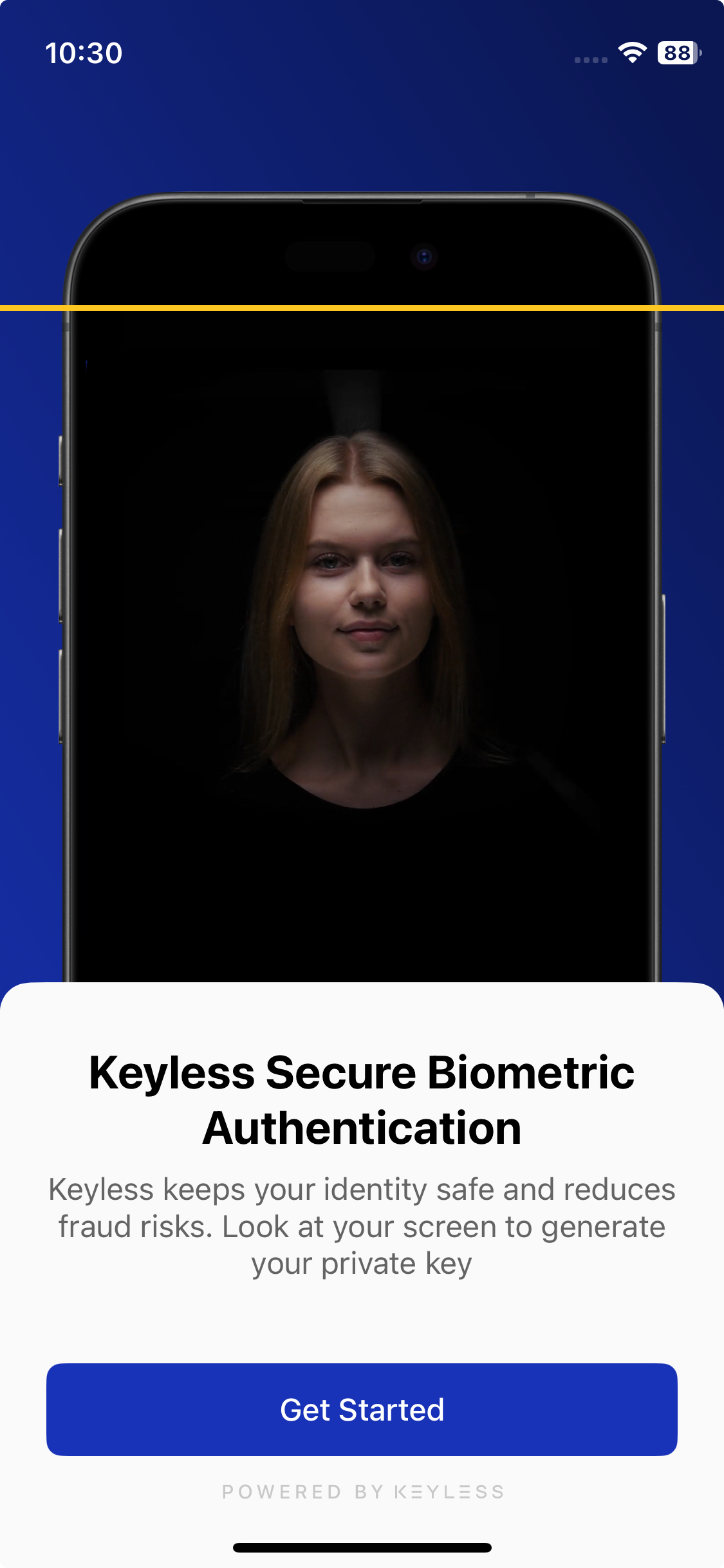
This screen can be shown using the public API Keyless.showIntroductionScreen. This function can be called at any moment (even before setup). It expects a completion callback for when the user taps the main call to action. The message can be customized. For details, refer to UI customization.