Delete account
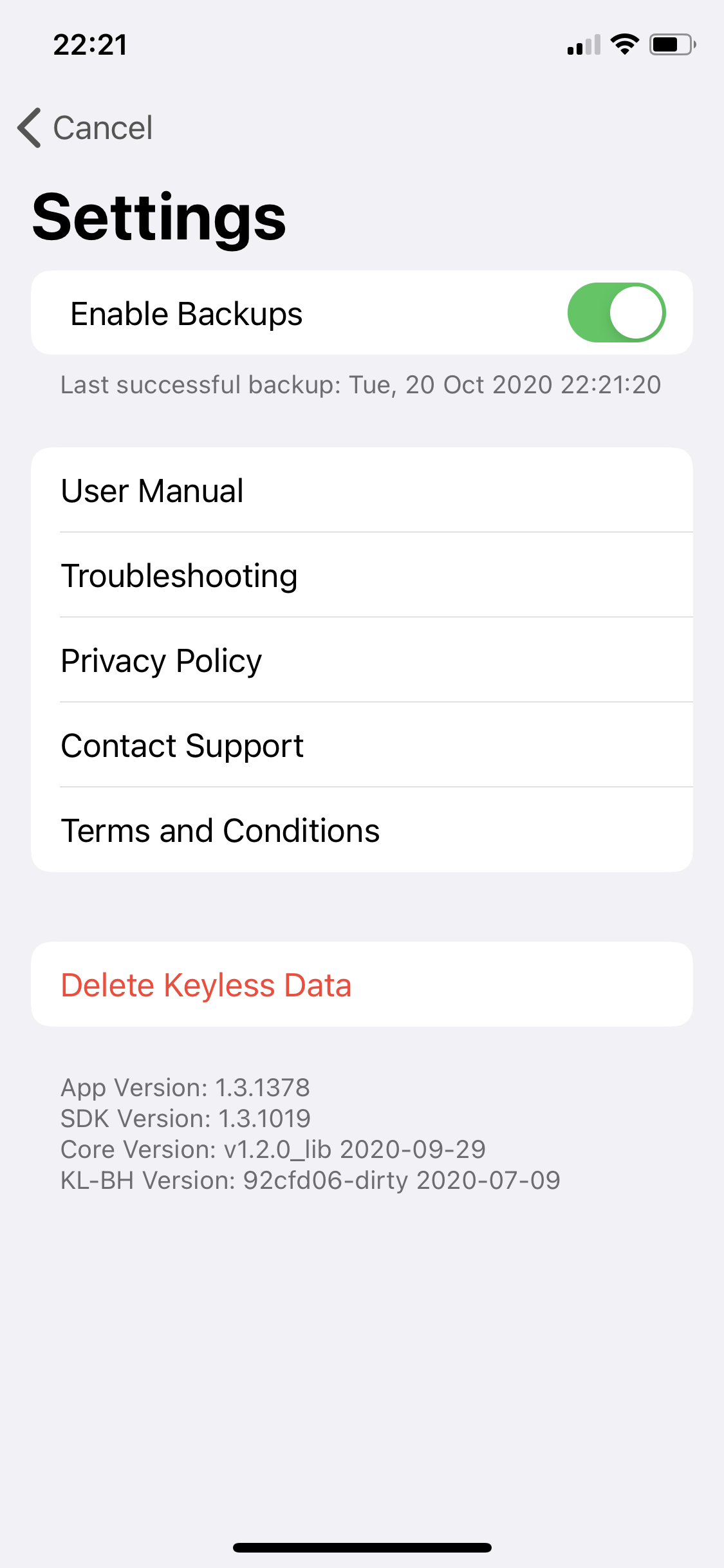
You can delete your Keyless Authenticator account at any time. Deleting your account removes your linked accounts from the app. However, you will not be able to authenticate to those accounts if Keyless Authenticator is required for access.
|
Check with your IT administrator for any linked accounts before deleting your data. |
Step 1: Open Keyless Authenticator settings
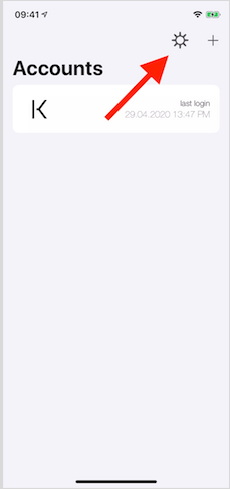
Tap the gear button on the main screen to open the Keyless Authenticator settings panel.