Remote desktop
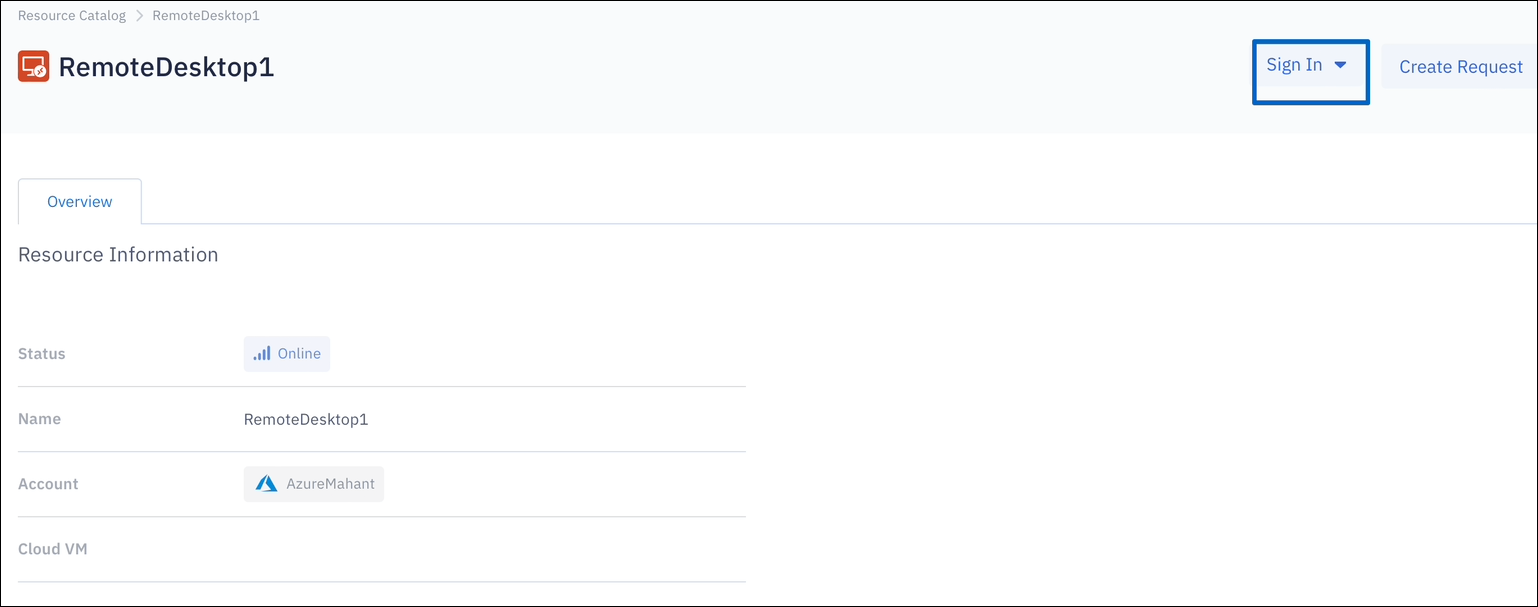
Request just-in-time (JIT) access to Remote Desktop:
-
In the PingOne Privilege user console, go to Cloud > Targets.
-
For the target type, select Remote Desktop Server.
-
Select the cloud type and the account to find the Remote Desktop server, or search by name.
-
Request access by selecting the principal and duration.
-
After the grant is approved, the user can sign on to Remote Desktop without requiring a password.