Onboarding users
How admins onboard users to PingOne Privilege depends on the deployment model your organization uses. The process involves sending a link to users so they can access the user console.
| Before you onboard a user, the user must belong to a group that has access to the PingOne Privilege application in PingOne. For more information, see Setting up your environment in PingOne. |
Onboarding users in Endpoint Controller-based deployments
For Endpoint Controller-based deployment models, users must first install the Endpoint Controller. You can onboard users by sending them the Endpoint Controller download link:
-
In the PingOne admin console, open the navigation menu in the upper-right corner. Select Settings.
-
Click the App Downloads tab.
-
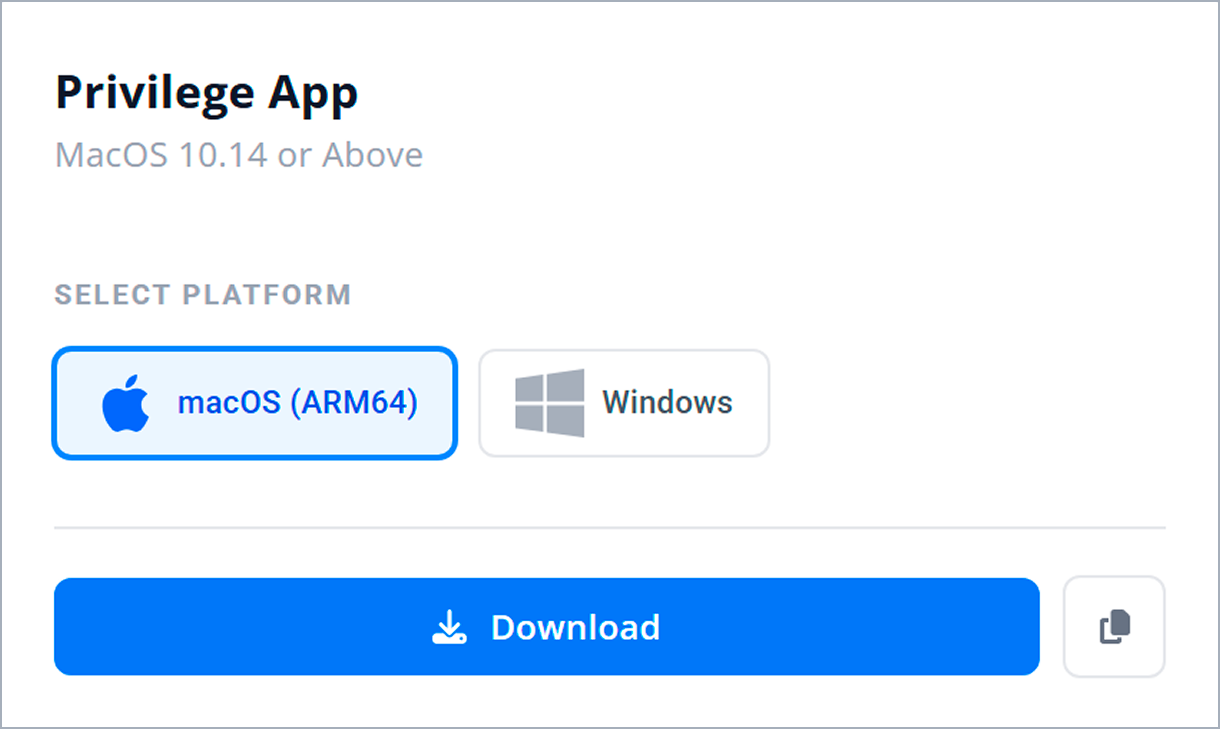
On the Privilege App tile, select the appropriate operating system for the user.
-
Copy the download link.
-
Send the download link to the user, along with the user’s onboarding link.
The user installs the Endpoint Controller, then opens the onboarding link to register their device and access the user console. You generate onboarding links in the PingOne admin console. Learn more in Accessing the PingOne Privilege admin console as an administrator.
| To install the Endpoint Controller on many devices at once, distribute the Endpoint Controller with your Mobile Device Management (MDM) platform, such as Jamf Pro or Intune. |
Onboarding users in No Endpoint Controller-based deployments
For No Endpoint Controller-based deployment models, users must first install the No Endpoint Controller. You can onboard users by sending them the Agentless CLI download link:
-
In the PingOne admin console, open the navigation menu in the upper-right corner. Select Settings.
-
Click the App Downloads tab.
-
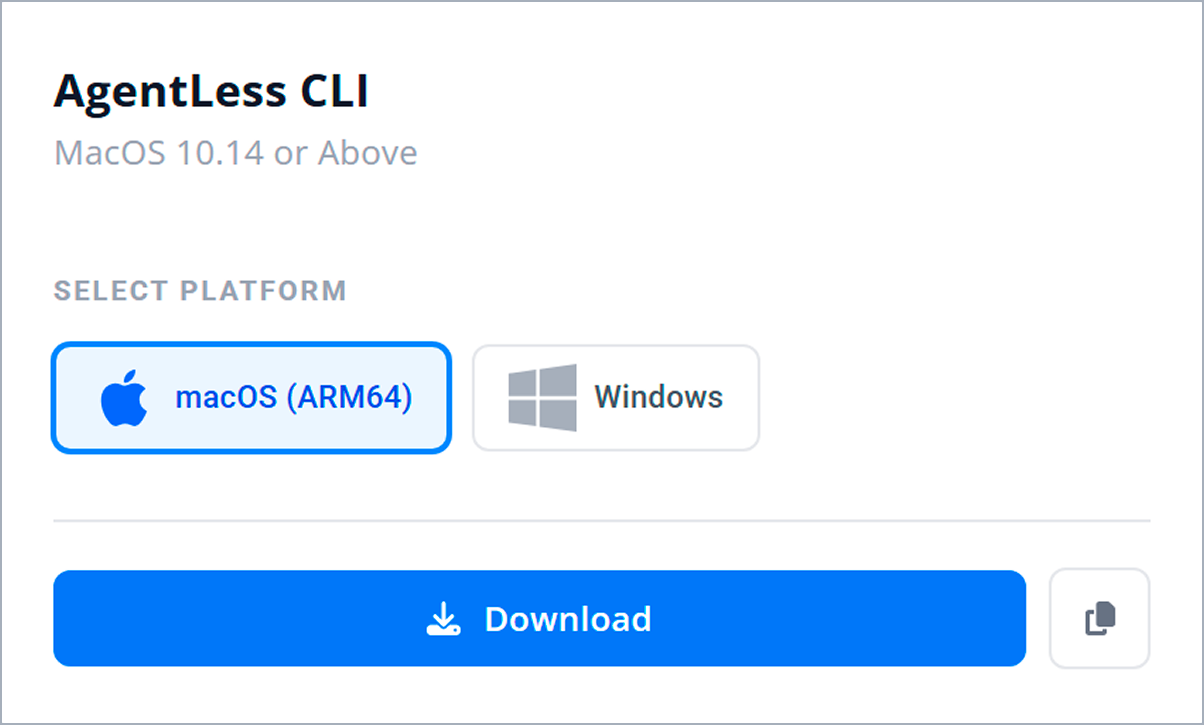
On the Agentless CLI tile, select the appropriate operating system for the user.
-
Copy the download link.
-
Send the download link to the user, along with the user’s onboarding link.
The user installs the No Endpoint Controller, then opens the onboarding link to access the user console. You generate onboarding links in the PingOne admin console. Learn more in Accessing the PingOne Privilege admin console as an administrator.