Constella Connector
The Constella connector lets you use the Constella Intelligence risk evaluation API in your PingOne DaVinci flow.
The connector enables organizations to evaluate the risk posture of email addresses and detect account takeover attempts by checking if email and password pairs appear in breach or infostealer data (credentials harvested by information-stealing malware).
Setup
Resources
You can find more information and setup help in the following:
-
PingOne DaVinci documentation:
Requirements
To use the connector, you’ll need your Constella tenant credentials:
-
Base URL for your Constella tenant (including https://)
-
X-AppToken for service authorization
-
X-Token and X-Username for user identification and authentication
| These credentials are issued by Constella Intelligence. |
Configuring the Constella connector
Add the connector in PingOne DaVinci as shown in Adding a connector, then configure it as follows.
Connector configuration
| Setting | Description |
|---|---|
Base URL |
The base URL for your Constella tenant (for example, https://api.123.com). |
X-AppToken |
The service authorization token provided by Constella. |
X-Token |
The user authentication token provided by Constella. |
X-Username |
The user identification value provided by Constella. |
Using the connector in a flow
Evaluating email risk
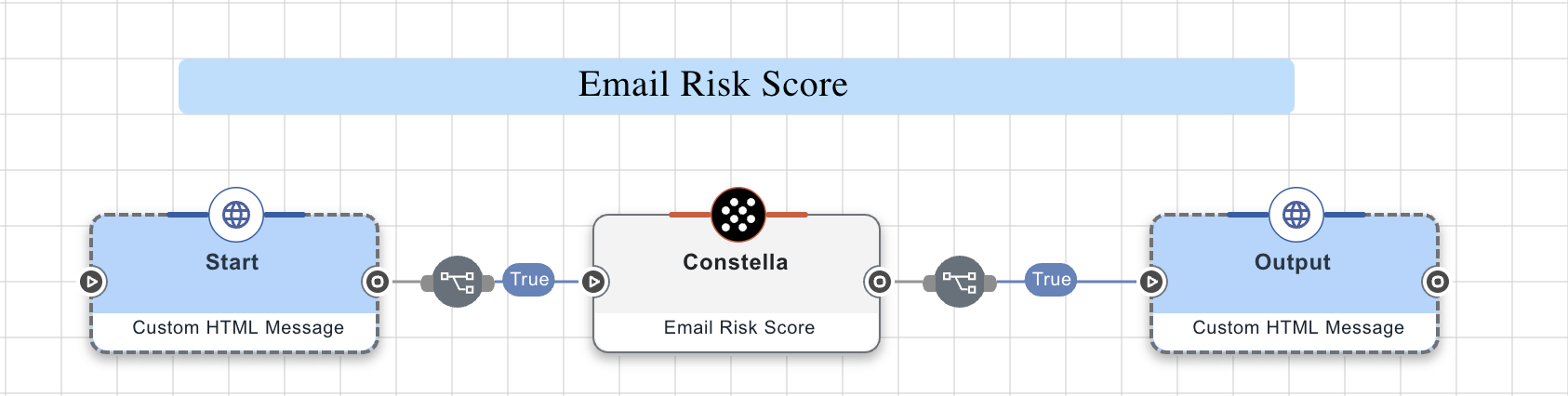
This flow prompts a user to enter an email address into a form. The node then evaluates the risk score of the email address based on various factors, such as its presence in breach data, associated threat intelligence, and historical risk patterns, then outputs various risk indicators.
Test the flow by clicking Save, Deploy, and Try Flow.
Capabilities
Email Risk Score
The Email Risk Score API assesses the risk associated with an email address by assigning a score based on several factors. These include the source of exposure of the breaches containing the email address, whether the email address is temporary or fake, and whether the email service provider is a credible one or an anonymous webmailer.
Show details
-
Properties
-
Input Schema
-
Output Schema
- Email Address textField required
-
The email address used to evaluate breach exposure and account takeover risk.
- Profile dropDown
-
The user profile of the email address to be considered for the risk score calculation. If no value is provided, "ExposedIdentity" is used by default.
-
FakeIdentity
-
ExposedIdentity (Default)
-
MalIdentity
-
-
default object
-
properties object
-
emailAddress string required
Normalized email address'
-
profile string
The user profile of the email address to be considered for the risk score calculation.
-
-
Input Example
{
  "properties": {
    "emailAddress": "test@mail.com",
    "profile": "FakeIdentity"
  }
}-
output object
-
rawResponse object
-
statusCode number
-
headers object
-
Account Takeover
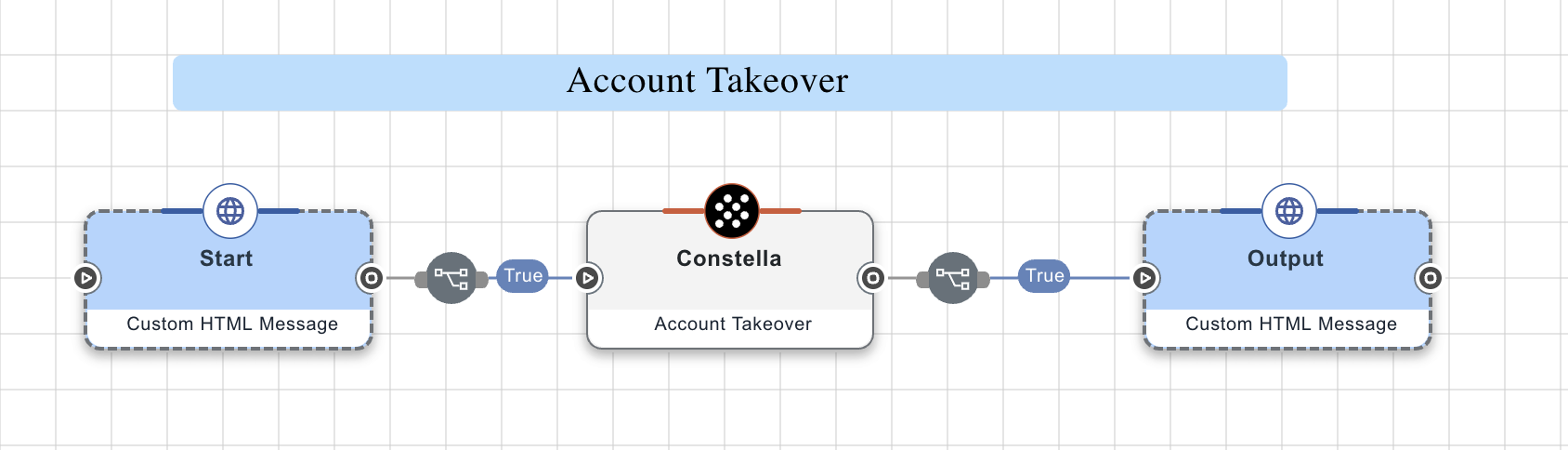
Invoke the ATO API to check if the Constella Data Lake contains any credentials (breach records) with the given password and email address information.
Show details
-
Properties
-
Input Schema
-
Output Schema
- Email Address textField required
-
The email address used to evaluate breach exposure and account takeover risk.
- Hashed Password textField required
-
The end user’s plaintext password used to calculate account takeover risk.
-
default object
-
properties object
-
emailAddress string required
Email address that is normalized, and then hashed via SHA-256 to search for related password exposures.
-
password string
Hashed password used to search for password exposures.
-
-
Input Example
{
  "properties": {
    "emailAddress": "test@mail.com",
    "password": "testpassword123"
  }
}-
output object
-
rawResponse object
-
statusCode number
-
headers object
-