ScrambleID Connector
The ScrambleID connector lets you use OpenID Connect (OIDC) login with ScrambleID in your PingOne DaVinci flow.
The connector redirects users to ScrambleID for authentication, handles the token exchange automatically, and returns validated identity tokens and claims to your flow.
Setup
Resources
You can find more information and setup help in the following:
-
PingOne DaVinci documentation:
Requirements
To use the connector, you’ll need:
-
A ScrambleID account with OIDC access
-
Administrator permissions to create or manage OIDC clients in ScrambleID
-
OIDC integration (Client ID, Client Secret, and redirect URI) configured in your ScrambleID tenant
Configuring the ScrambleID connector
Add the connector in PingOne DaVinci as shown in Adding a connector, then configure it as follows.
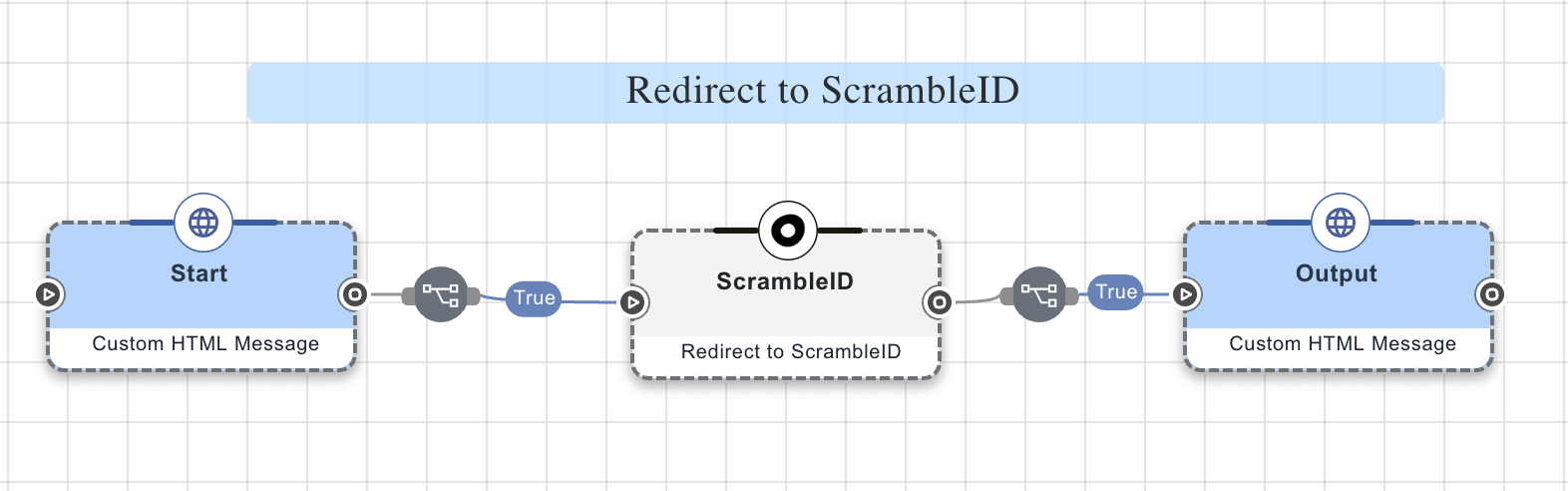
Capabilities
Redirect to ScrambleID
OIDC redirect to ScrambleID
Show details
-
Properties
-
Output Schema
- customAuth
- Display Name button
- showPoweredBy toggleSwitch
- skipButtonPress toggleSwitch
-
output object
-
sub string
-
aud string
-
jti string
-
iss string
-
iat number
-
exp number
-
auth_time string
-
tokens object
-
access_token string
-
refresh_token string
-
id_token string
-
token_type string
-
expires_at number
-
-
connectionId string
-
connectorId string
-