Performing post-upgrade tasks
After upgrading your PingAccess deployment using the upgrade utility or the installer, you must perform several post-upgrade tasks to ensure the target version works correctly.
|
You can find details about the upgrade in |
Steps
-
Review any warnings returned by the upgrade utility.
At the end of an upgrade, the PingAccess upgrade utility or installer records any manual steps that require user intervention both in the command-line output and in
log/upgrade.logat the WARN level. Information that doesn’t require user intervention is added to thelog/upgrade.logat the INFO level. -
In the PingAccess admin console, go to Settings > HTTP Requests > IP Source and review the configuration. Ensure that the use of the IP source settings is appropriate for the environment.
You can find more information in HTTP requests and Configuring alternative IP source headers.
-
Stop the source version of PingAccess.
-
Start the target version of PingAccess.
-
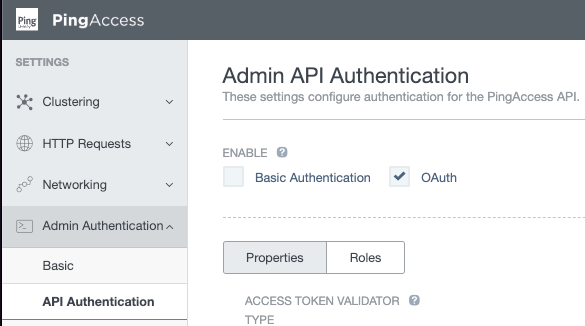
(Optional) If you enabled basic authentication for the PingAccess admin API to perform the upgrade, you can now safely turn it off by deselecting the Basic Authentication checkbox.