Viewing attributes
The schema editor displays all of the attribute types on your PingDirectory server instance.
It shows the basic properties that are required elements in addition to the extra properties that are allowed within the attribute definition.
Viewing attribute types using the schema editor
Before you begin
Ensure that the PingDirectory server instance is running.
To view attribute types using the schema editor:
Steps
-
Sign on to the admin console.
-
In the sidebar, select LDAP Schema.
-
On the Attribute Types tab, click a specific attribute to view its definition.
Example:
To follow this example, click the
aRecordattribute.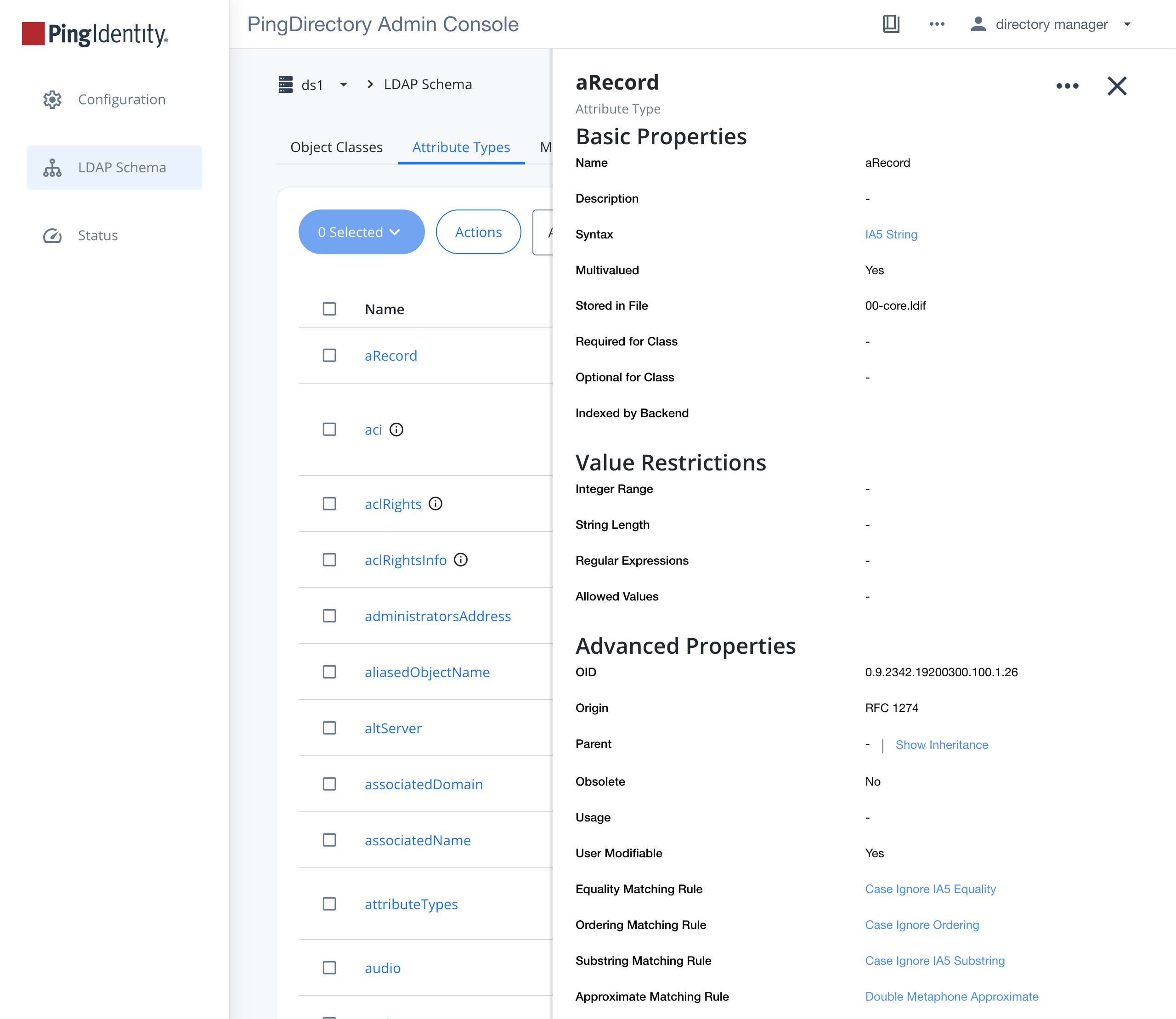
-
To see the equivalent attribute definition in ASN.1 format, click the More Options (…) icon on the attribute window and select View as LDIF in the list.
Viewing attribute types over LDAP
Steps
-
To view an operational attribute, run
ldapsearch.Example:
This example uses
ldapsearchto view the multi-valued operational attributeattributeTypes, which publishes the definitions on the PingDirectory server.The attribute is stored in the subschema subentry.
$ bin/ldapsearch --baseDN cn=schema --searchScope base \
  "(objectclass=*)" attributeTypes