Configuring email notifications
About this task
To enable email notifications when a user pairs a new device:
Steps
-
Sign on to the admin console.
-
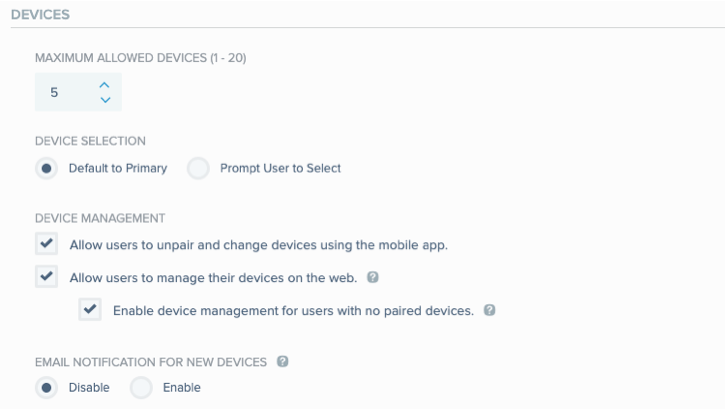
Go to Setup → PingID → Configuration and go to the DEVICES section.
-
In the EMAIL NOTIFICATION FOR NEW DEVICES section, click Enable.
-
Click Save.
Result
Users will receive a notification email each time a device is paired with their account or app.