Committing the changes
To apply the configuration, commit the changes.
Steps
-
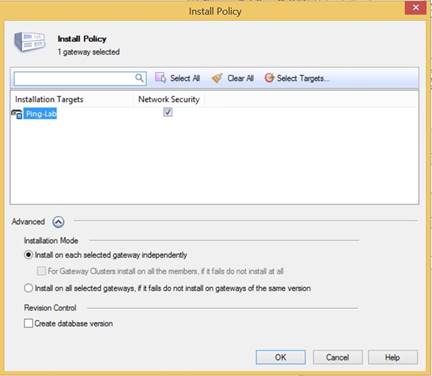
In the Checkpoint menu bar, click Install Policy.
-
Ensure that the Install on Each Selected Gateway Independently option is selected, and then click OK.
Result:
The configuration is verified and installed. A message appears when the policy installation is complete.