Offline customization: additional actions
For additional tasks for offline customization of the SMS authentication message, see the following sections.
Restoring a previously removed language
-
In the admin portal, go to the Localizations window.
-
Click Download Current File and extract it.
-
If you do not have the default
.zipfile, click Download Ping Defaults. -
Copy the relevant language properties file from the template to your extracted files directory.
-
Edit the language properties files as required.
-
Rebuild the
.zipproperties file. -
Upload the zipped file.
Reverting to default languages and SMS texts
|
The following steps use the example in Managing offline customization of the SMS authentication message. |
-
In the admin portal, go to the Localizations window.
-
Under Choose File, click Remove.
The proposed action is summarized.
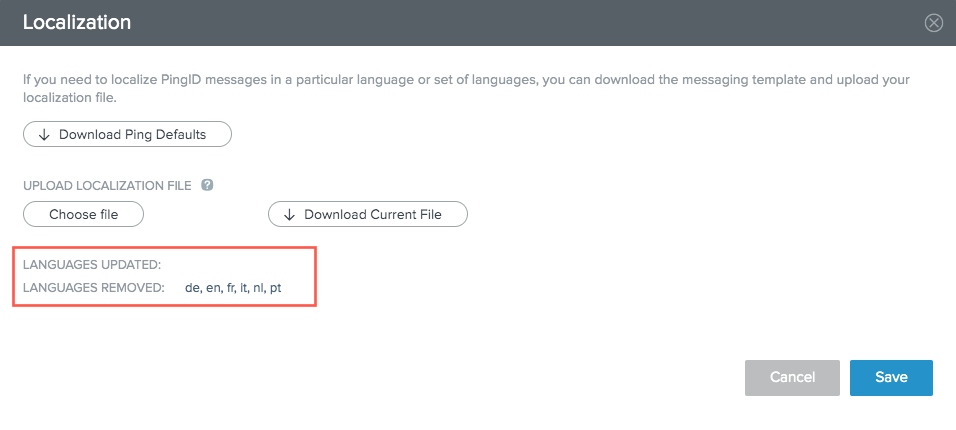
-
Click Save.
A confirmation window opens.
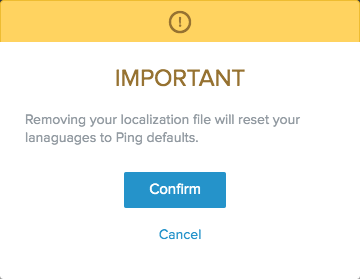
-
Click Confirm.
All languages become available with their default SMS messages.