Customizing message texts offline
You can download message text templates to edit offline for a later multi-locale upload.
About this task
|
Choose only one of either online or offline editing methods. To edit message texts online, see Customizing message texts online. |
To prepare for customizing Title and Body messages offline:
Steps
-
In the languages list, select Edit Localization File.
Result:
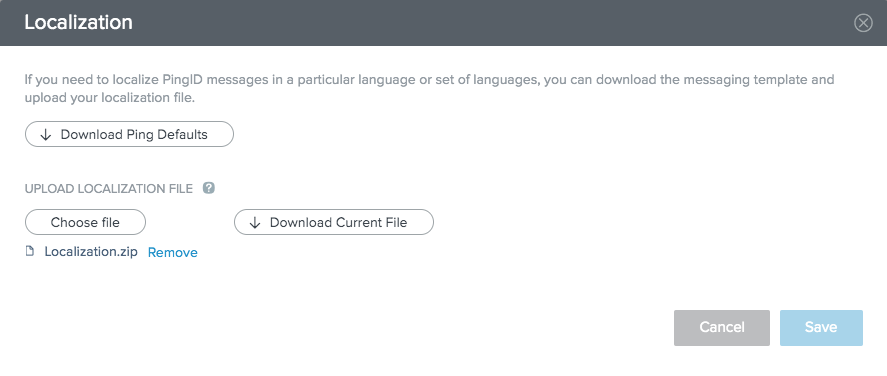
The Localization dialog box opens.
-
Choose a localization file.
Choose from:
-
Click Download Ping Defaults to download the PingID default message template for editing and customization.
-
Click Download Current File to download the current customized message texts template for further editing and customization.
The Download Current File button is not visible if customized message texts have not yet been uploaded or if the default PingID message texts were restored.
-
Result
After selecting Download Ping Defaultsor Download Current File, a .zip file downloads containing a separate message localization file per supported language.