Online REST API reference
AM provides an online REST API reference that you can access through the AM admin UI. The API Explorer displays the REST API endpoints that let client applications access AM’s services.
|
The API Explorer is enabled by default. For security reasons, it’s strongly recommended that you disable it in production environments. To disable the API Explorer, go to Configure > Global Services > REST APIs, and select Disabled in the API Descriptors drop-down list. |
The key features of the API Explorer are as follows:
- API versioning
-
The API Explorer displays the different API versions available depending on your deployment.
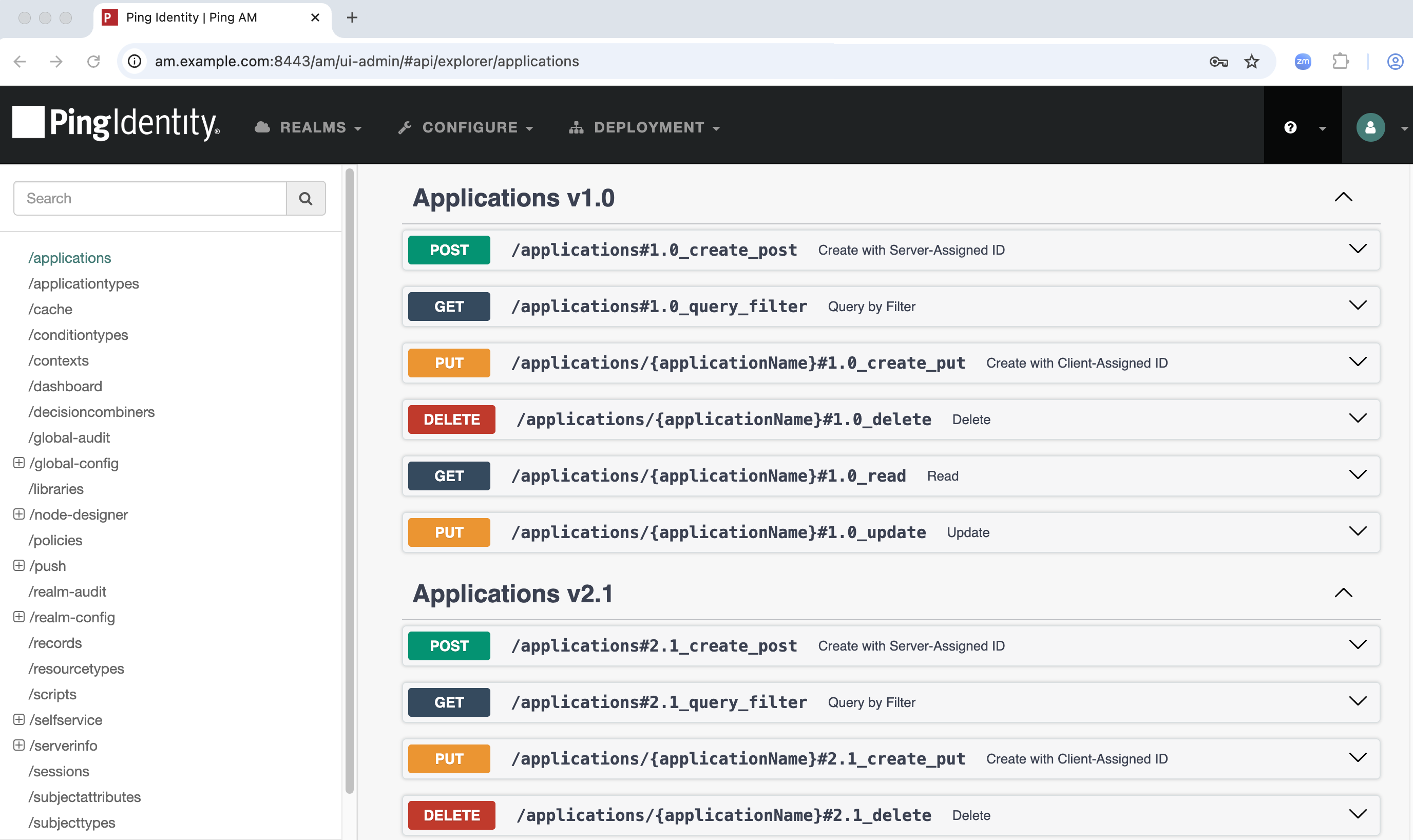 Figure 1. API Explorer
 - Detailed information
-
The API Explorer provides detailed information about each available CRUDPAQ method. Click the method name to view the endpoint’s description, required parameters, and example responses.
For the request payload and response codes, you can view example values, or click Model to view the associated schema.
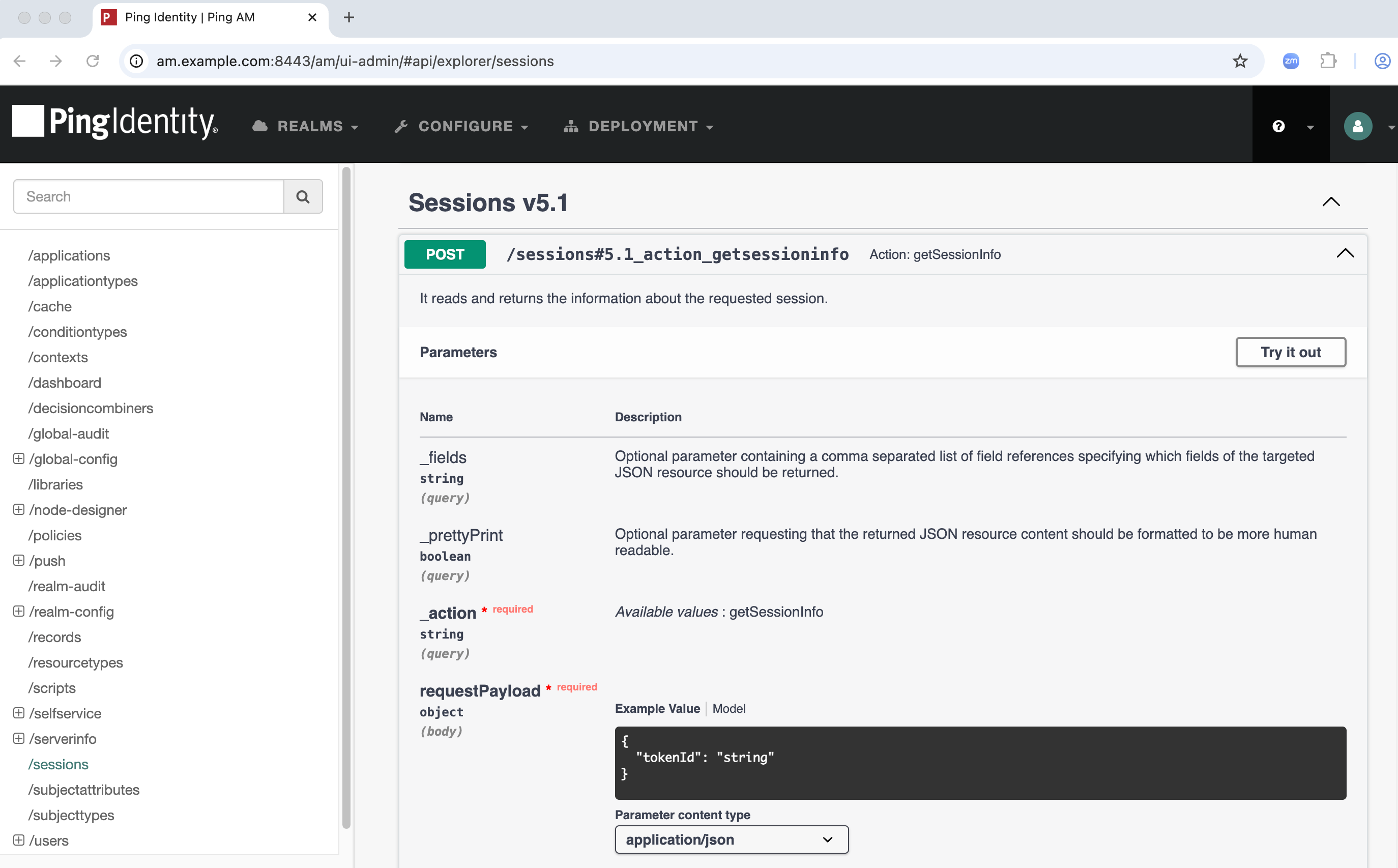 Figure 2. API Explorer parameters
 - Try It Out
-
The Try It Out feature lets you send a request to the endpoint and view the response.
Click Try It Out, enter the required parameters, and click Execute to send the request to AM.
The full curl command, request URL, and response are displayed in the API Explorer.
When using the Try It Out feature:
-
The example payload values are auto-generated.
Even if the data types are correct, the values might not be right for the API to function as expected. Check the Model tab for a description of the required value, and replace the example values before sending the REST request to AM.
-
Queries in the API Explorer are hard-coded to target the top-level realm.
To access information in realms other than the top-level realm, use the API Explorer REST calls as an example, then construct your own REST calls targeting the endpoints in other realms.
Learn more in Specify realms in REST API calls.
-
Access the API Explorer
You can access the API Explorer in one of two ways:
-
Point your browser to the following URL:
https://am.example.com:8443/am/ui-admin/#api/explorer/applications -
Click the help icon in the top-right corner of the AM admin UI, then click API Explorer.
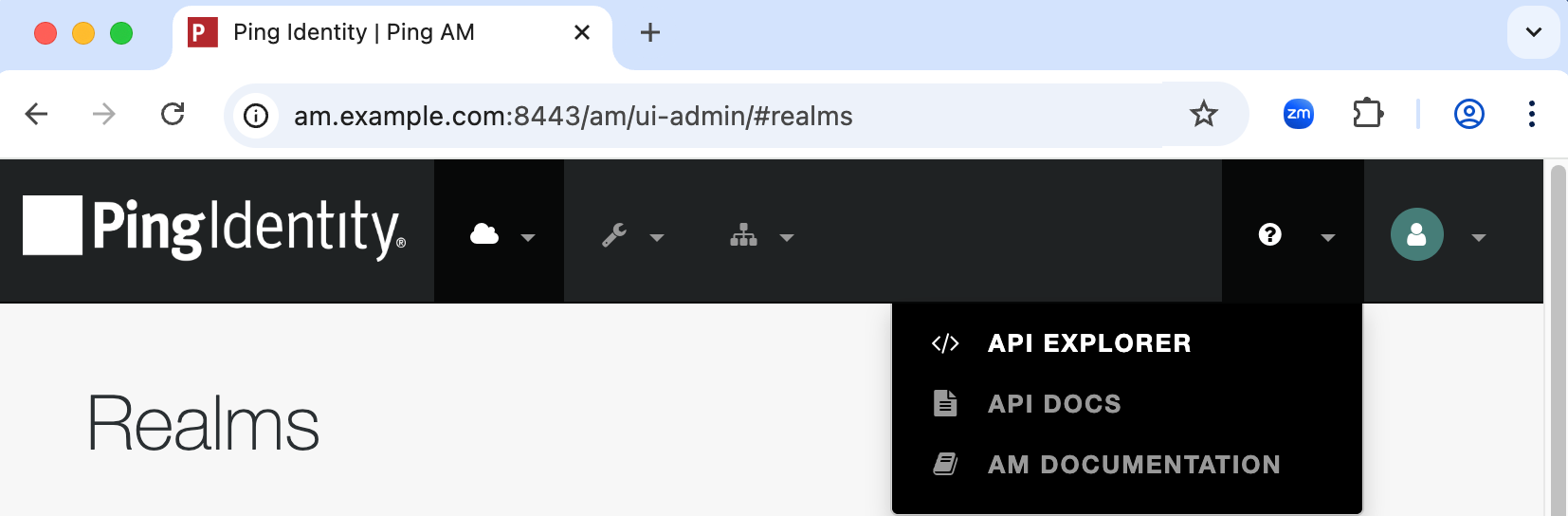 Figure 3. API Explorer help icon