Configure entitlement lifecycle management
Identity Governance provides a type of delegated administration, allowing application owners, entitlement owners, and end users authorized with the proper scope permissions to manage entitlements within the applications available to them. By using this feature, companies can keep entitlement attributes up-to-date, reducing the risk of outdated or inaccurate entitlements impacting decision making.
Manage entitlements also enforces policies by requiring approval workflows before any entitlement changes are applied. This prevents users from granting excessive permissions without oversight and ensures access remains aligned with organizational policies.
Governance personas
By default, governance administrators, application owners, entitlement owners, and end users with scoped permissions can manage entitlements in the system. These users have the following permissions:
| Action | Admin | Application Owner |
Entitlement Owner |
End user |
|---|---|---|---|---|
View entitlement |
Yes |
Yes |
Yes |
If scoped |
View users who have entitlement |
Yes |
Yes |
Yes |
If scoped |
Create entitlement |
Yes |
Yes |
No |
If scoped |
Modify entitlement |
Yes |
Yes |
Yes |
If scoped |
Enable entitlement management
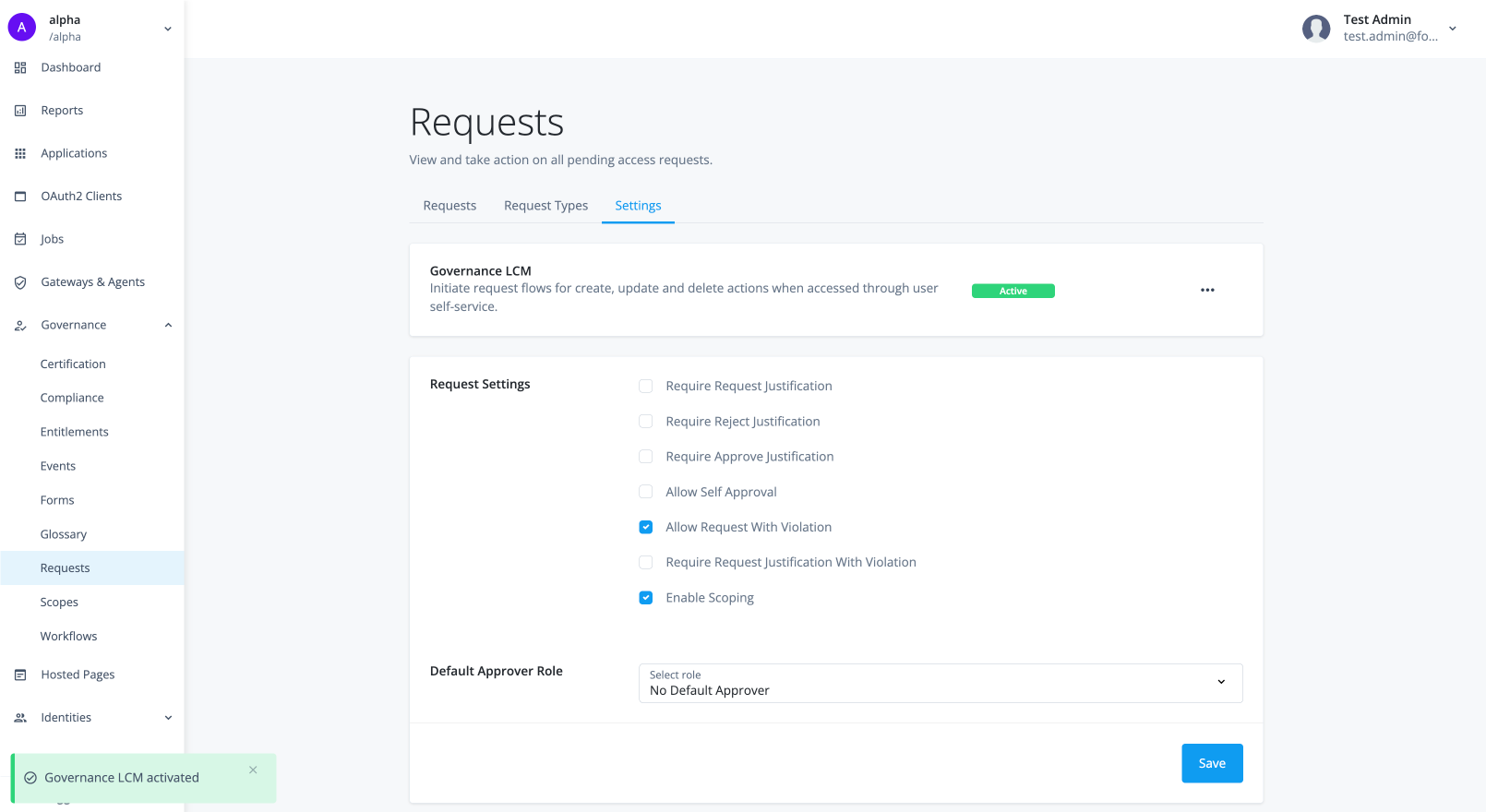
Governance administrators must enable entitlement management to activate the feature for their users. The entitlement management functionality is also known as entitlement lifecycle management (entitlement LCM).
-
In the Advanced Identity Cloud admin console, go to Governance > Requests.
-
On the Requests page, click the Settings tab.
-
In the Governance LCM section, click Activate.
-
In the Governance LCM modal, read what activating this feature entails, and click Next.
-
In the Governance LCM modal, click Entitlement LCM, and then click Activate. The manage entitlement feature is now active on your tenant.
Configure entitlement workflows
Identity Governance provides the out-of-the-box request types and workflows to enable authorized users to carry out entitlement tasks:
| Request Type | Workflow |
|---|---|
createEntitlement |
Create Entitlement |
modifyEntitlement |
Modify Entitlement |
As with all other Identity Governance requests, the entitlement management actions are defined and processed in request workflows that allow users to:
-
Create new entitlements
-
Provide source entitlement attribute values
-
Enrich the entitlement glossary
-
Modify existing entitlements.
Troubleshooting entitlements
Typical troubleshooting cases that can occur with entitlements are:
-
Entitlements aren’t being onboarded from the application.
-
Onboarded entitlements aren’t visible in the catalog.
-
Onboarded entitlements don’t have a display name.
-
Entitlements have been assigned to users but aren’t visible in the user’s access.
-
Duplicate entitlement assignments assigned to the user.