PingOne Advanced Identity Cloud

Manage my access

Use the topics in this section to manage your access in the Advanced Identity Cloud end-user UI.

Learn how to review your current accounts, roles, and entitlements to understand your permissions. This section also covers how to view and manage any machine accounts assigned to you.
My accounts

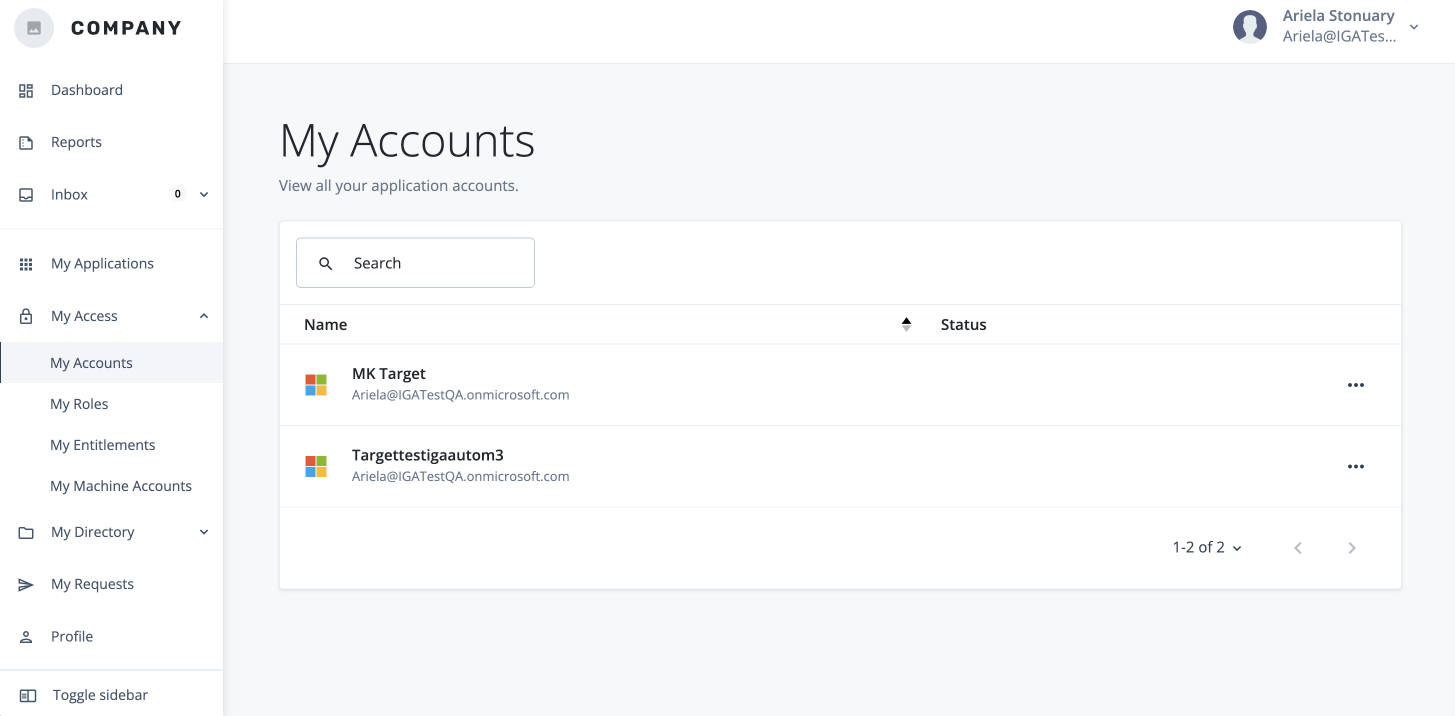
The My Accounts page lets you manage your custodial accounts. From here, you can view their status and revoke access as needed.

View an account status

  1. In the Advanced Identity Cloud end-user UI, click My Access.

  2. Click My Accounts.

  3. Review the account and the status.

Revoke an account

  1. In the Advanced Identity Cloud end-user UI, click My Access.

  2. Click My Accounts.

  3. Review the account and the status.

  4. Click ellipsis (more_horiz), and then click Revoke.

    The my accounts page on the end-user hosted UI page