End-user recommendations
The recommendations feature helps you discover the right access for your job. It analyzes the access patterns of your peers–users with similar roles and attributes– to identify permissions you may need.
The system presents these suggestions directly on your dashboard, where you can review why an entitlement is recommended and request it with just a few clicks.
-
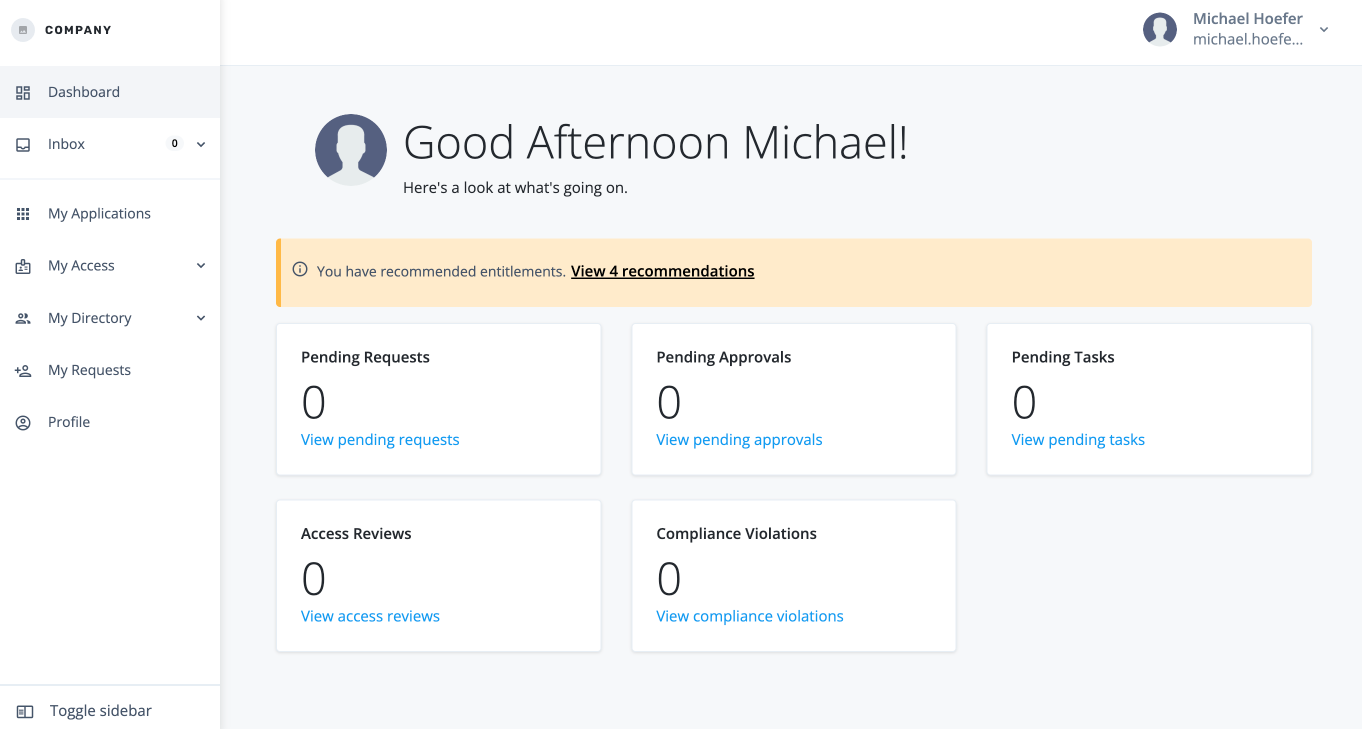
When an end user is assigned a task, and they log in to the Advanced Identity Cloud end-user UI, the link to the recommended access is displayed at the top of the page.
-
Click the link to view the recommendations.
-
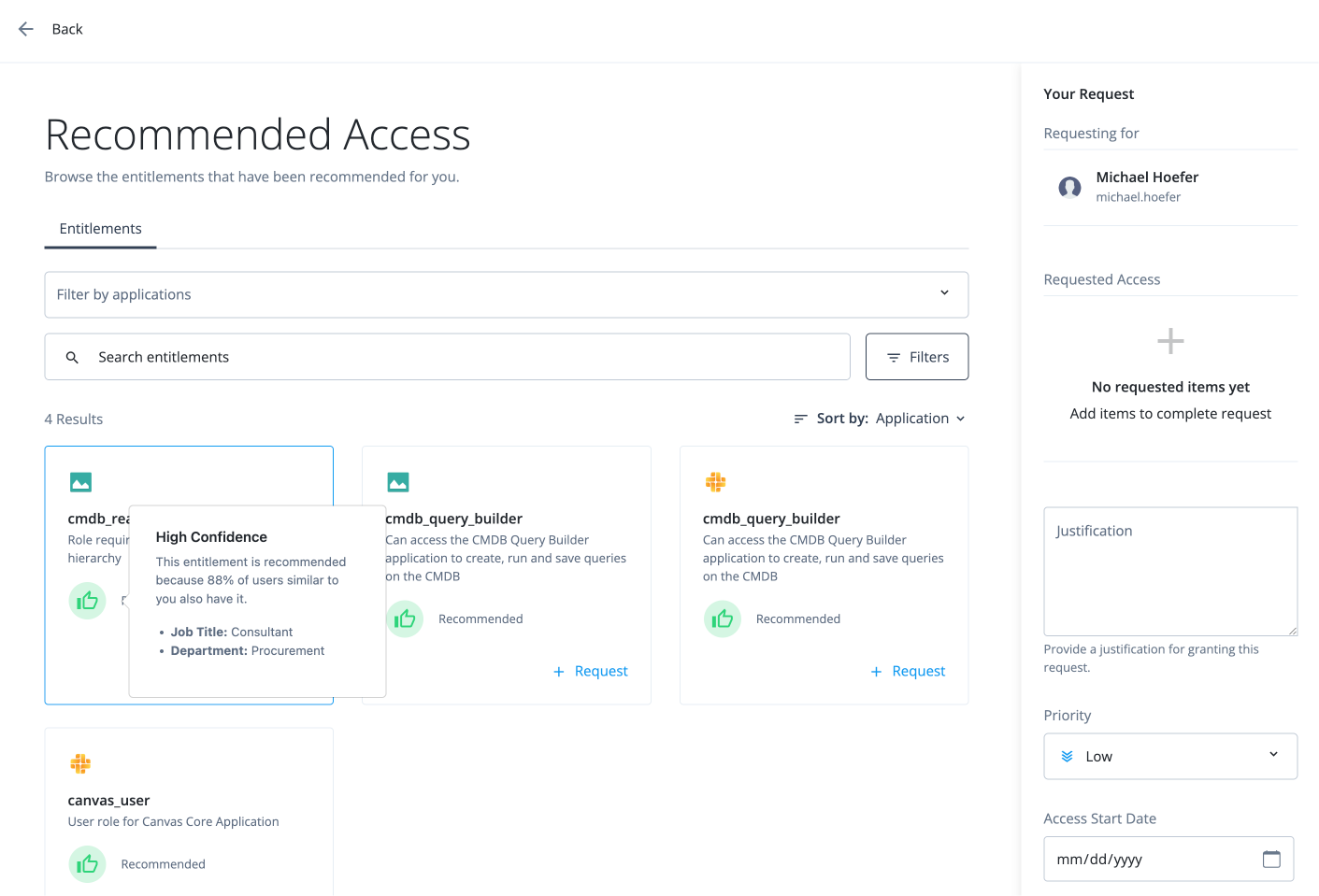
On the Recommended Access page, review the recommendations. If you hover over the icon, the explanation for the recommendation appears.
-
Click Request.
-
In the Request Entitlement Access modal, click Add to Request.
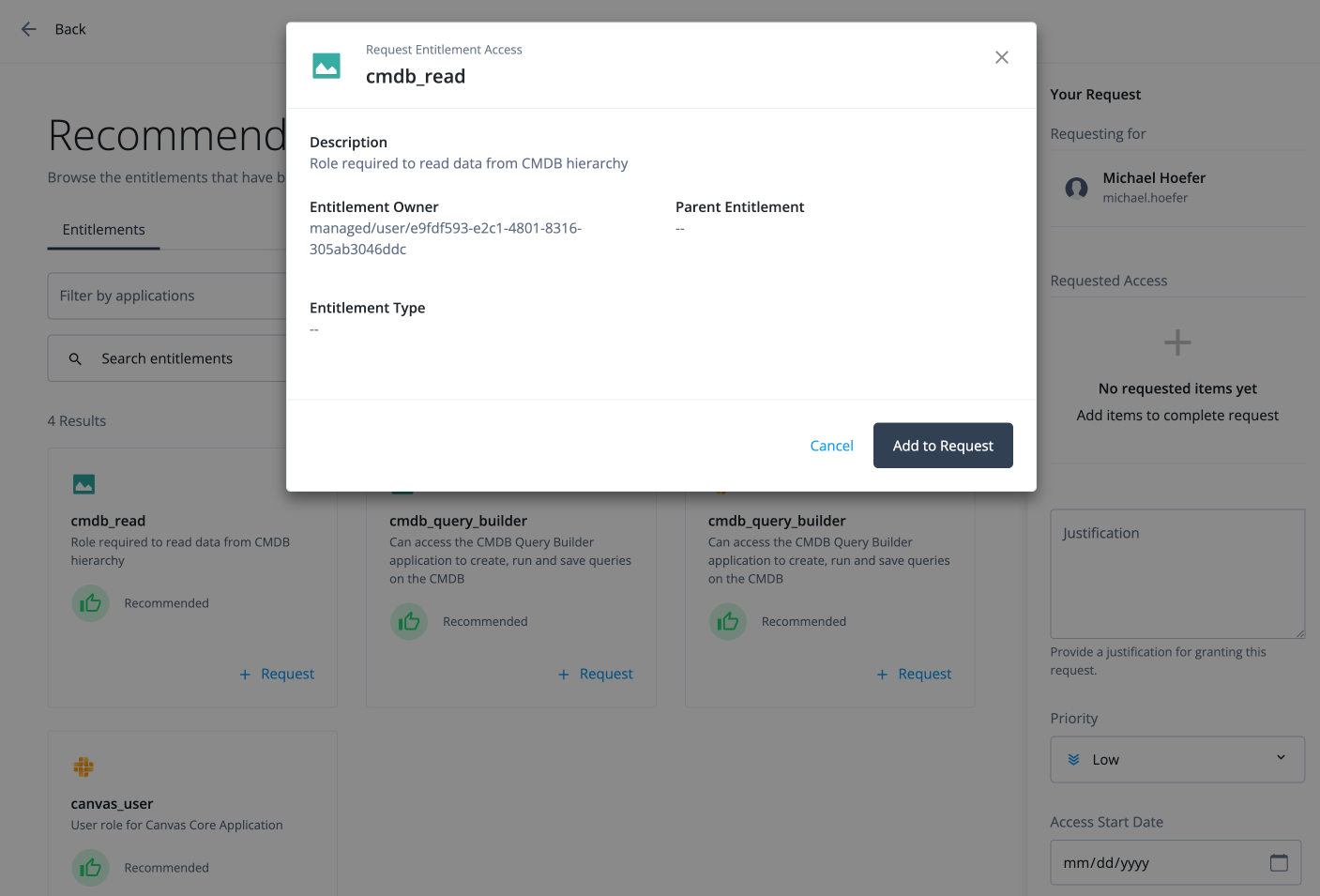
The certifier can then approve the request on their dashboard.