PingOne Advanced Identity Cloud

Manage my directory

Use the topics in this section to manage your directory information in the Advanced Identity Cloud end-user UI.

Learn how to assign delegates to act on your behalf and how to view and manage your direct reports.

Manage delegates

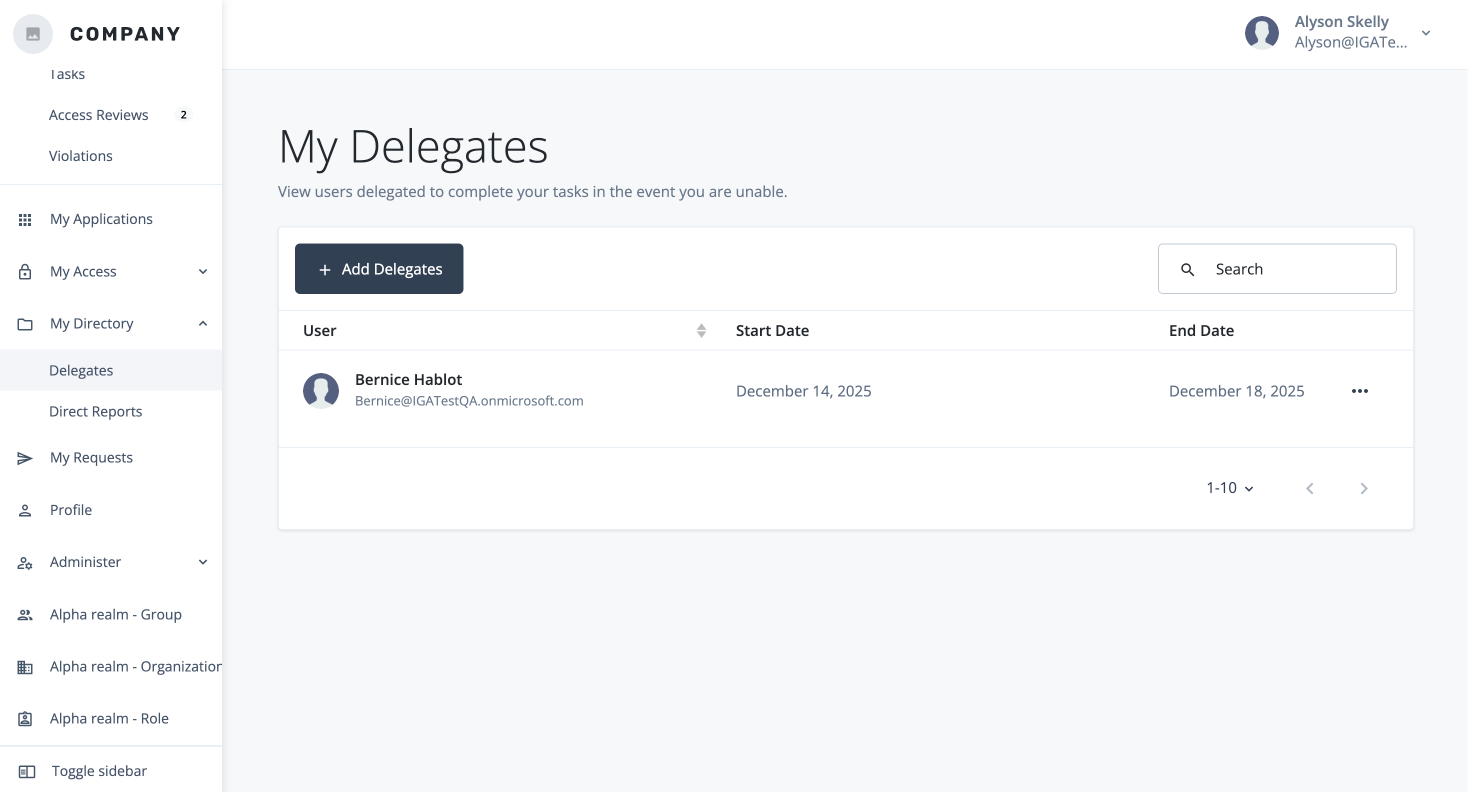
The Delegates section allows you to temporarily assign your governance responsibilities to a trusted colleague, ensuring that important tasks are handled even when you are out of the office or unavailable.

This feature is essential for maintaining business continuity, as it prevents time-sensitive approvals and reviews from becoming bottlenecks. From this page, you can:
Add a Delegate

Select a user to act on your behalf and set a specific start and end date for the delegation period.

  1. In the Advanced Identity Cloud end-user UI, click add Add Delegates.

  2. In the Add Delegates modal, select the users to add as delegates.

  3. Click Save.

Remove a delegate

Immediately remove a delegate’s permissions if they’re no longer needed.

  1. In the Advanced Identity Cloud end-user UI, click more_horiz and click Remove.

  2. In the Delete Delegate modal, click Delete.

    Manage your delegates.

Manage direct reports

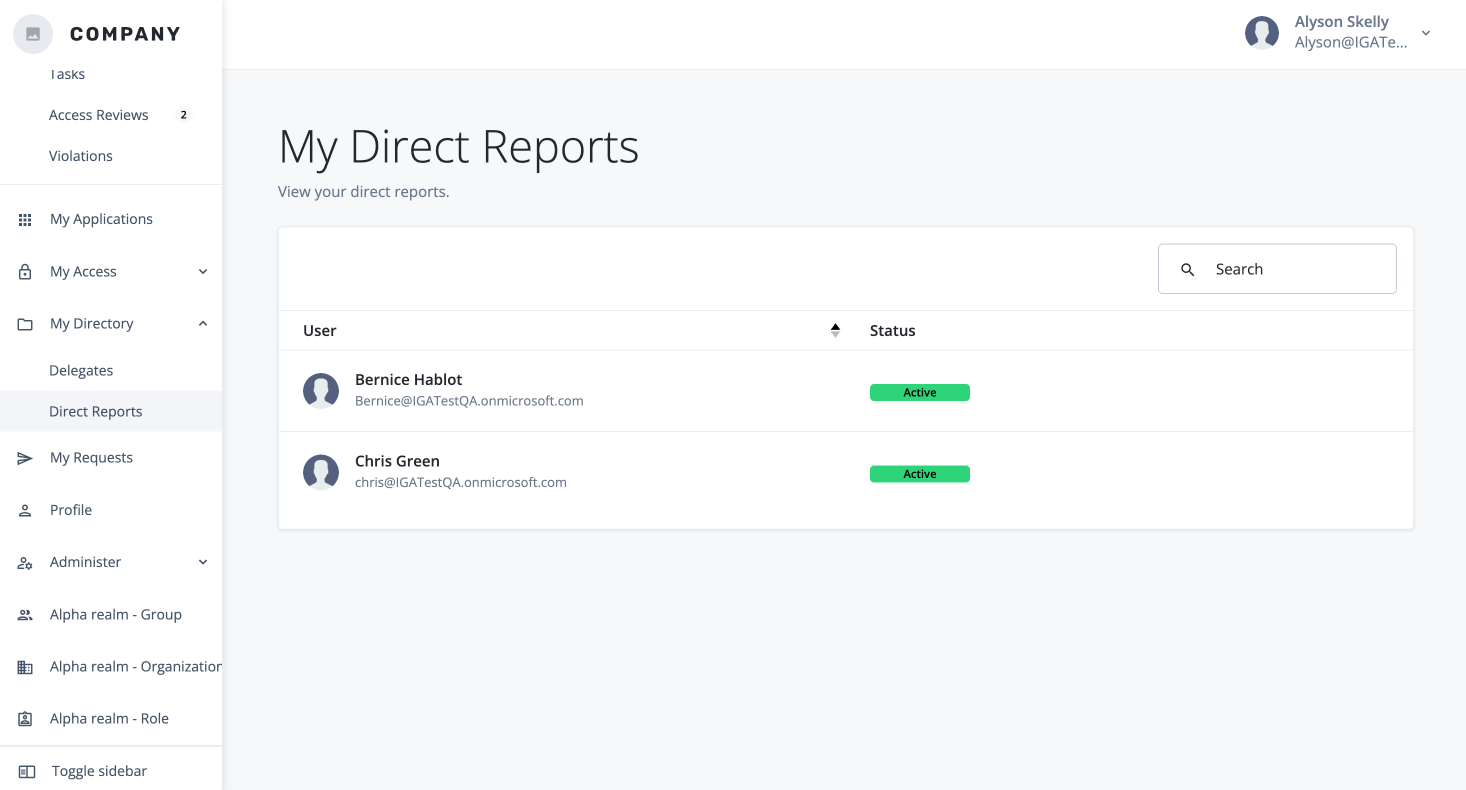
The Direct Reports section provides a centralized view of your team, reflecting the official organizational structure. This page is the starting point for managers to perform essential governance tasks on behalf of their team members.

View your direct reports.