Manage recommendations
-
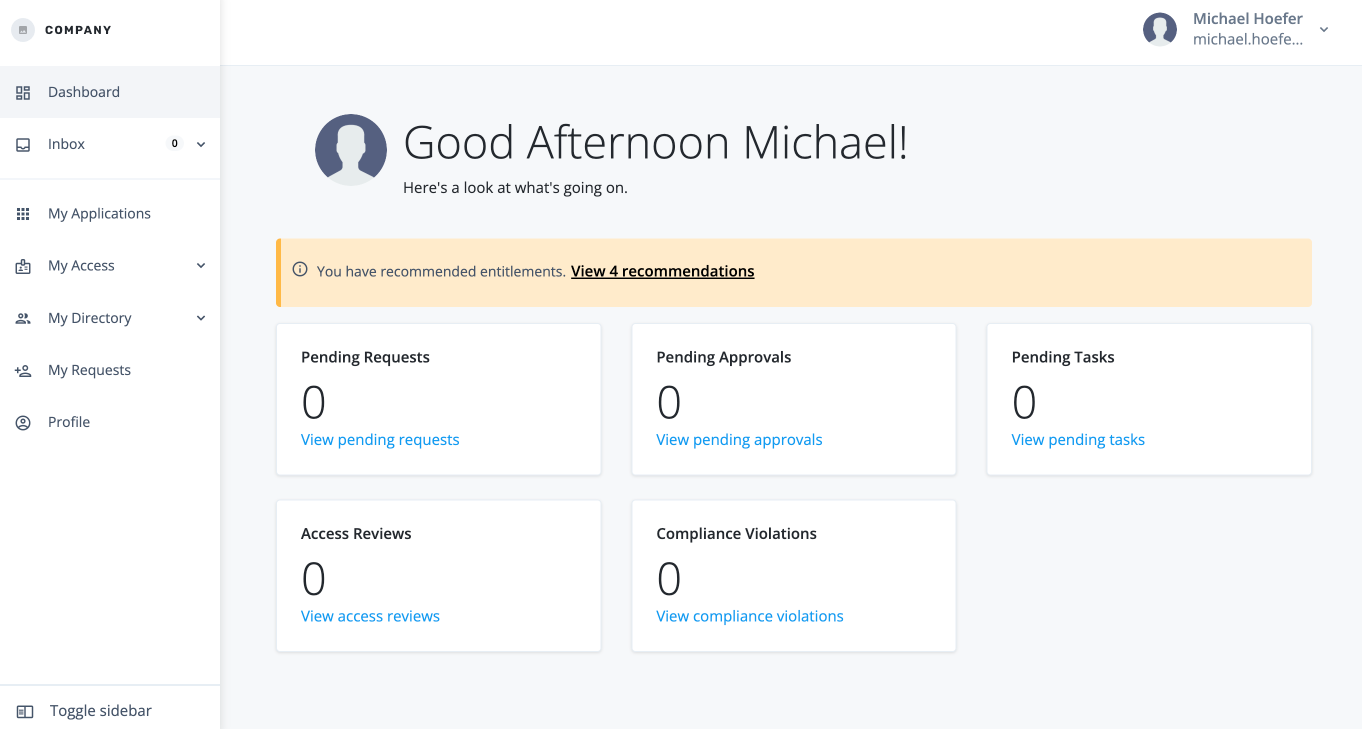
When an end user is assigned a task, and they log in to the Advanced Identity Cloud end-user UI, the link to the recommended access is displayed at the top of the page.
-
Click the link to view the recommendations.
-
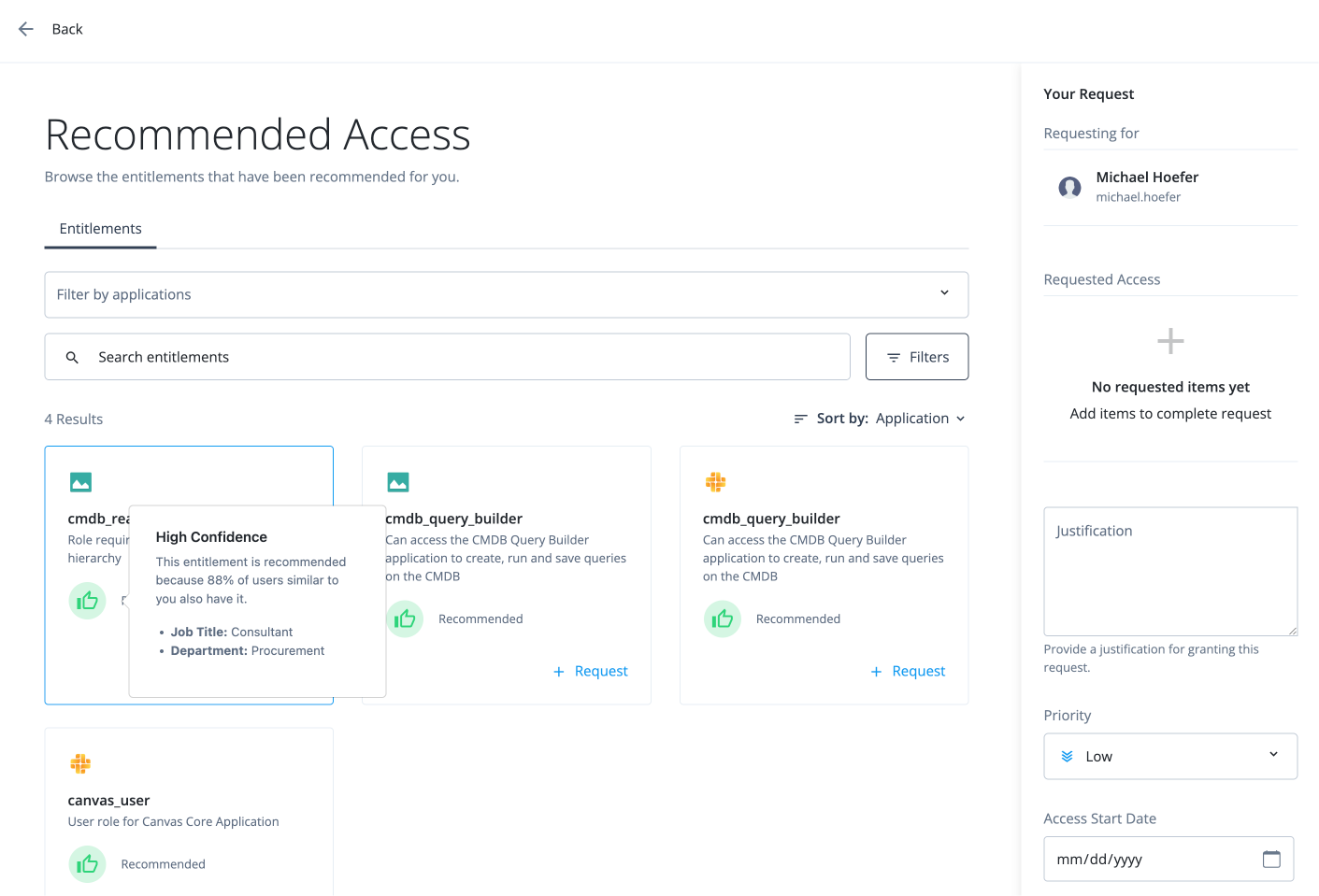
In the Recommended Access page, review the recommendations. If you hover over the icon, the explanation for the recommendation appears.
-
Click Request.
-
In the Request Entitlement Access modal, click Add to Request.
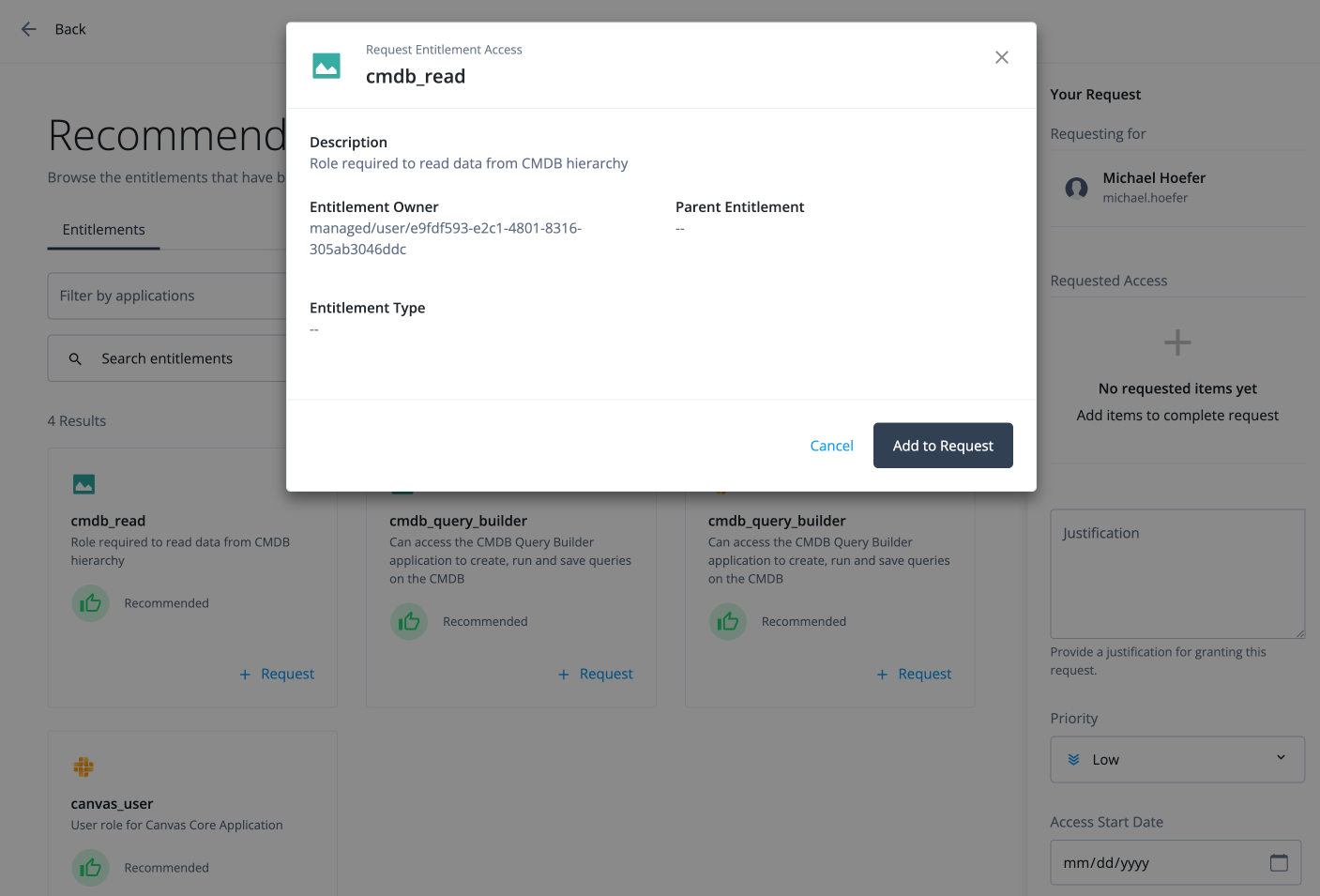
The certifier can then approve the request on their dashboard.