Register an application from the app catalog
|
The topics in this section are for tenants created on or after January 12, 2023. Learn more in Application management migration FAQ. |
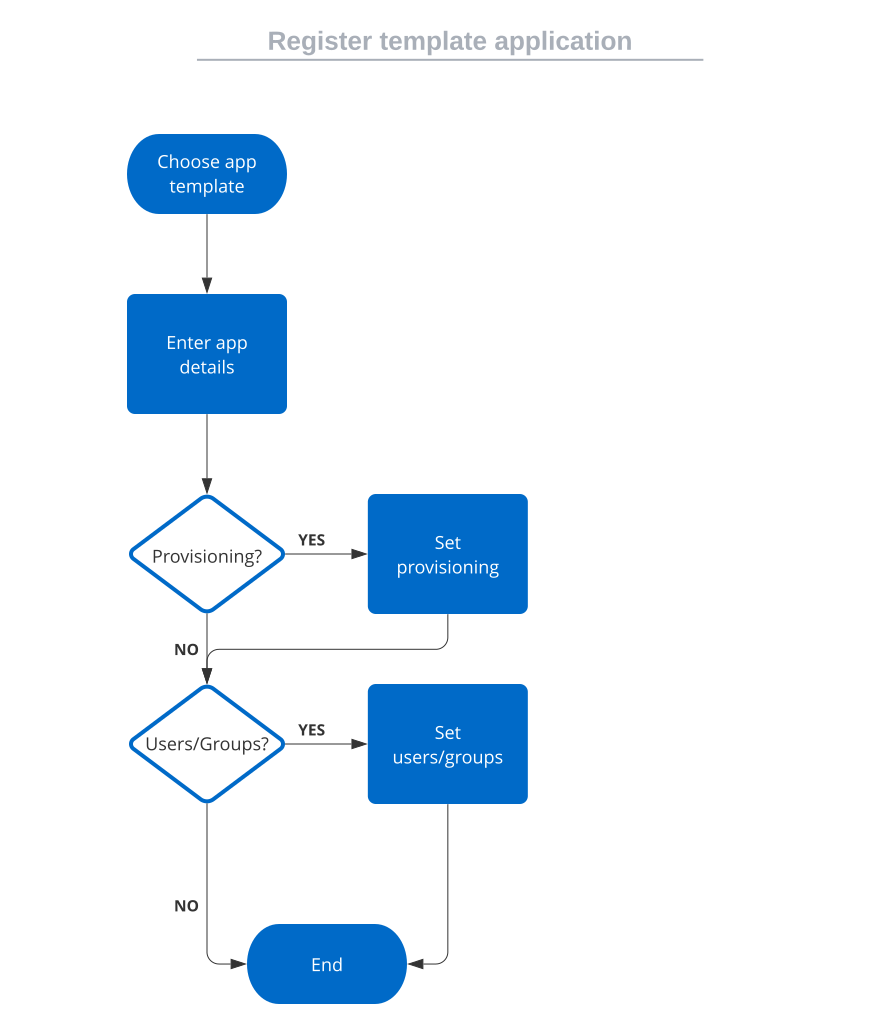
When using a template, Advanced Identity Cloud sets the OAuth 2.0 grant type and default OIDC options based on the application type. You can then customize the client profile and configure sign-on, provisioning, and users and groups.
Choose an application to connect
-
In the Advanced Identity Cloud admin console, go to Applications > Applications, and click Browse App Catalog.
-
In the Browse App Catalog modal, select an application, and click Next.
-
Review the Application Integration information, and click Next.
-
In the Application Details window, specify the name, description, application owners, and logo for the application.
-
To make the application an Authoritative source of identity data, select the Authoritative check box. This option is not available for every application.
-
Click Create Application.