Just-in-time access
Just-in-time (JIT) access in Identity Governance lets you control how long users have access to accounts, roles, and entitlements, instead of granting access indefinitely. It gives end users, approvers, and administrators a consistent way to see when access starts and ends, request changes through governed workflows, and avoid both unexpected loss of access and unnecessary over-provisioning.
What this feature enables
With this feature:
-
You can see access start and end dates for your active grants in the Advanced Identity Cloud end-user UI My Access page, so you always know how long your access will last.
-
If you still need the same access, you can request an extension by choosing a new end date and submitting it for approval through a dedicated extension workflow.
-
Administrators can change start or end dates through governed requests in the admin console and using the API. Identity Governance keeps the underlying grants in sync.
-
You can configure notifications so that users receive reminders as access nears its end date. The reminders follow the same workflow-driven model as other governed changes.
JIT access doesn’t cover scenarios where approvers modify start and end dates for Add access requests or change end dates for Extend access requests.
Administrator overview
JIT access in Identity Governance uses time-bound requests with clear start and end dates for every grant. Administrators can adjust these dates in the admin console for extending, shortening, or resuming suspended access and Identity Governance automatically updates the underlying grants. They can also configure reminder timing and templates, and rely on built-in workflows and scheduled jobs to send daily expiration reminders and handle these time-based changes without custom development.
New request type and workflow
To access the request type:
-
Sign on to the Advanced Identity Cloud admin console.
-
In the Advanced Identity Cloud admin console, go to Governance > Requests.
-
Click Request Types.
-
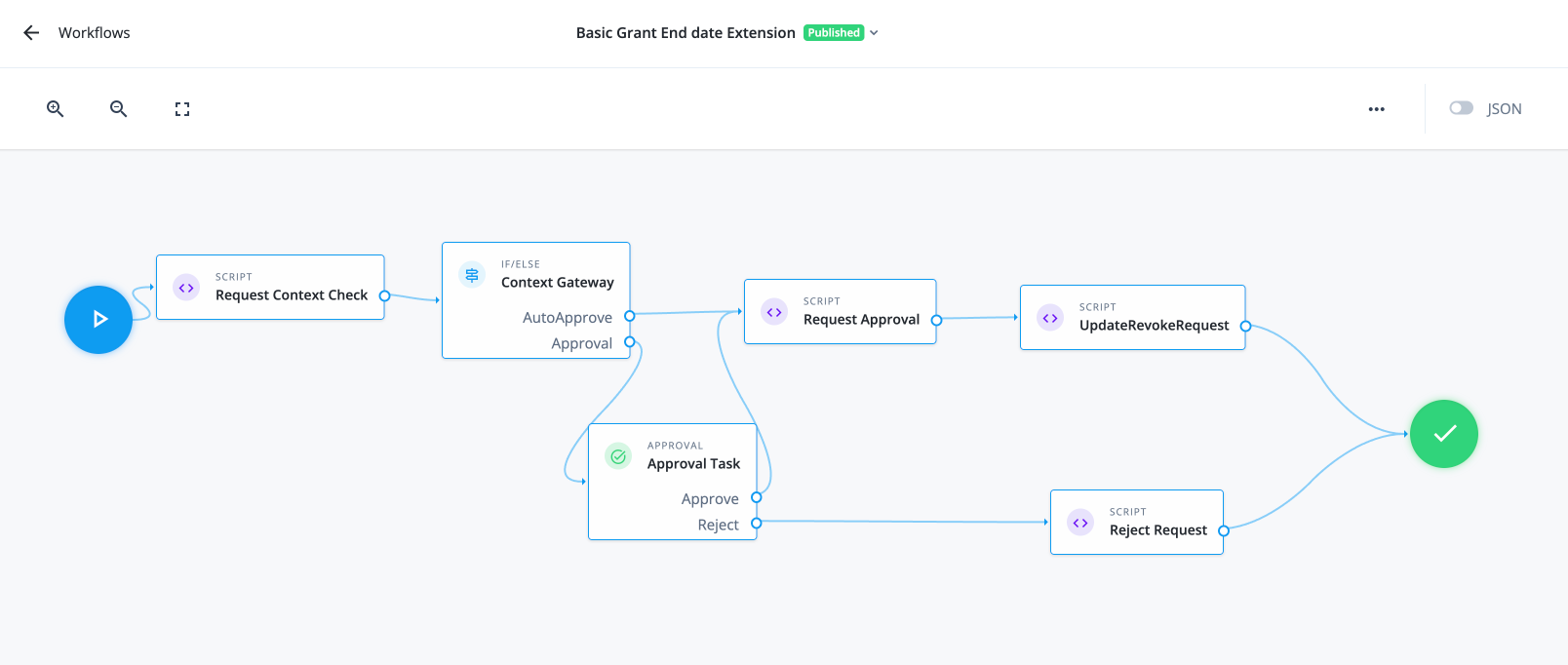
Find Request to Extend end date for basic grants [application, entitlement, roles], and click it to see its details.
To access the workflow:
-
In the Advanced Identity Cloud admin console, go to Governance > Workflows.
-
Find the Basic Grant End date Extension workflow, and click it to see its details, duplicate it, or export it.
View JIT access start and end dates for a user’s grants
Use this procedure to confirm the active period for a user’s JIT access.
-
Sign on to the Advanced Identity Cloud admin console.
-
In the Advanced Identity Cloud admin console, go to Governance > Requests.
-
Search for a request you want to review.
-
Click the ellipsis () for the request and select View details.
-
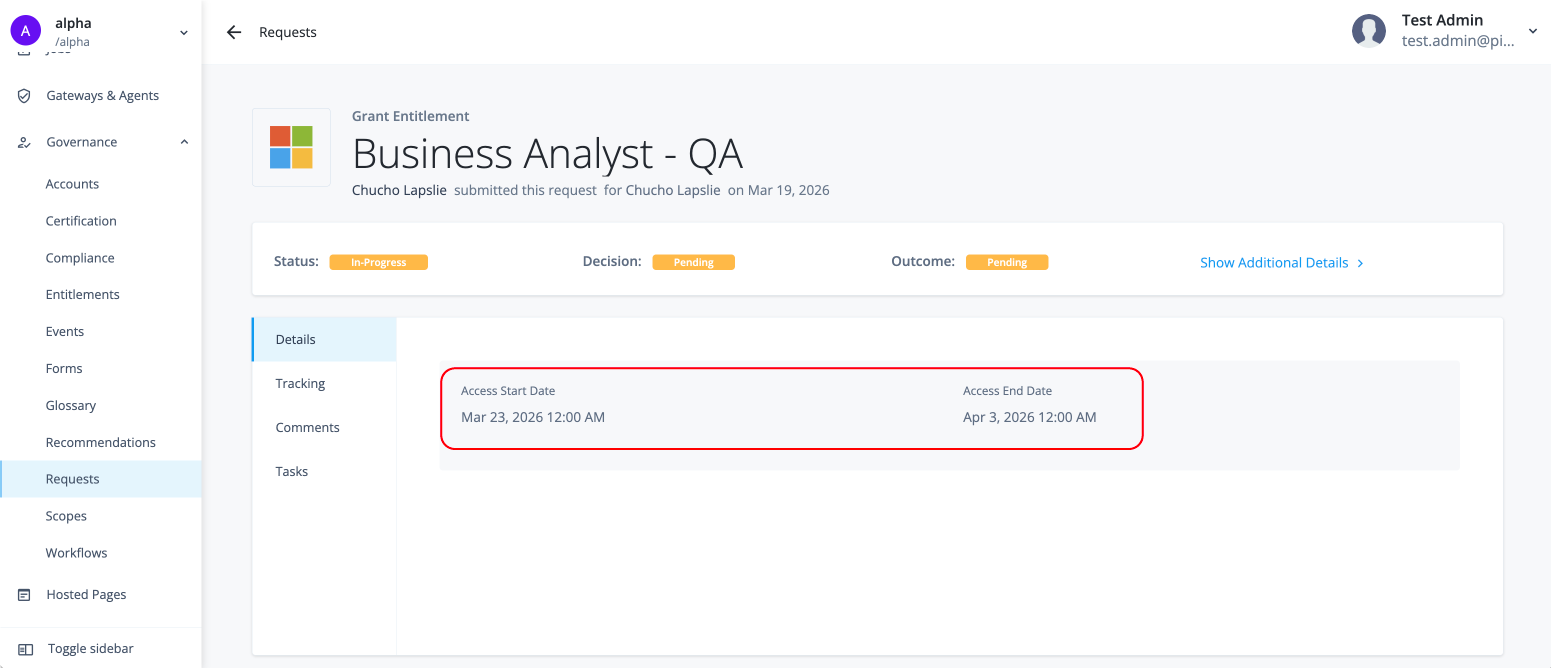
In the request details, review the Start date and End date fields to see when access begins and when it expires.
Resume suspended access with a new end date
Use this procedure to extend a user’s existing JIT access when the end date is approaching and the user still needs the same access. For example, if the user still needs the same access but the end date is approaching.
-
Sign on to the Advanced Identity Cloud admin console.
-
In the Advanced Identity Cloud admin console, go to Governance > Requests.
-
Select Suspended on the Status filter to find suspended requests that are waiting for an end date change.
-
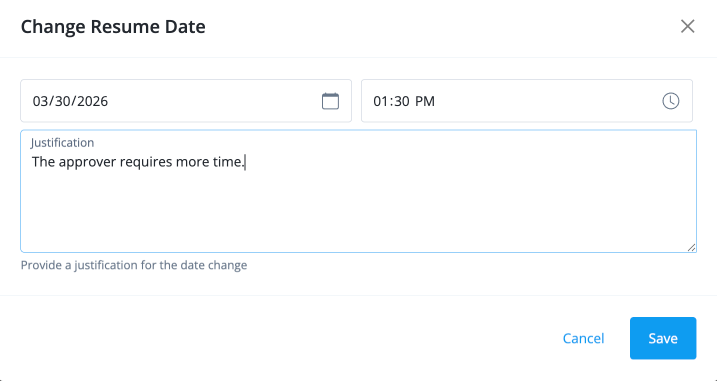
Click the ellipsis () for the request and select Change Resume Date.