Configuring multi-version adapter support
Configure the PingOne MFA Integration Kit 2.7.1 and 3.0 adapters to run at the same time, serving different application versions without compatibility issues.
|
This is a temporary solution during the transition period from 2.7.1 to 3.0. Note the following about multi-version adapter support:
|
About this task
PingOne MFA Integration Kit 3.0 introduces breaking changes to UI and API device management, making it incompatible with previous versions. Running a previous adapter version at the same time as the 3.0 adapter enables you to slowly transition to 3.0 as you navigate the new device management behavior.
|
PingFederate doesn’t allow multiple versions of the same adapter to coexist within a single deployment. |
PingOne MFA Integration Kit 2.7.1 is a version of the 2.7 adapter that’s been modified through shading, so it can be deployed alongside 3.0. This enables you to run both versions at the same time and direct requests to the appropriate adapter instance.
Steps
-
Deploy and configure the 3.0 and 2.7.1 adapters:
-
Deploy and configure the 3.0 adapter instance as described in Deploying the integration files and Configuring an adapter instance.
-
For the 2.7.1 adapter instance, move only the
pf-pingone-mfa-adapter-2.7.1.jarfile into the<pf_install>/pingfederate/server/default/deploydirectory, then configure the adapter instance as usual. Leave aside the.htmland.propertiesfiles for step 2.
Make sure both the
pf-pingone-mfa-adapter-3.0.jarandpf-pingone-mfa-adapter-2.7.1.jarfiles are in the<pf_install>/pingfederate/server/default/deploydirectory after you’ve finished. These.jarfiles are what enable you to create separate adapter instances. -
-
(Optional) Configure the 2.7.1 and 3.0 instances to render their respective UI versions by making the following changes to the 2.7.1 adapter configuration:
-
In the HTML Template Prefix field, enter a unique prefix for 2.7.1.
For example,
pingone-mfa-deprecated. Learn more about this field in PingOne MFA IdP Adapter settings reference. -
In the Messages Files field, enter a unique messages file name for 2.7.1.
For example,
pingone-mfa-deprecated-messages. Learn more about this field in PingOne MFA IdP Adapter settings reference. -
Rename the
.htmland.propertiesfiles for 2.7.1 according to the prefixes you chose previously. -
Move the renamed files into the
<pf_install>/pingfederate/server/default/deploydirectory.
-
-
Set up authentication policy rules for 2.7.1 and 3.0:
-
Differentiate 2.7.1 and 3.0 client requests based on the Authentication Source.
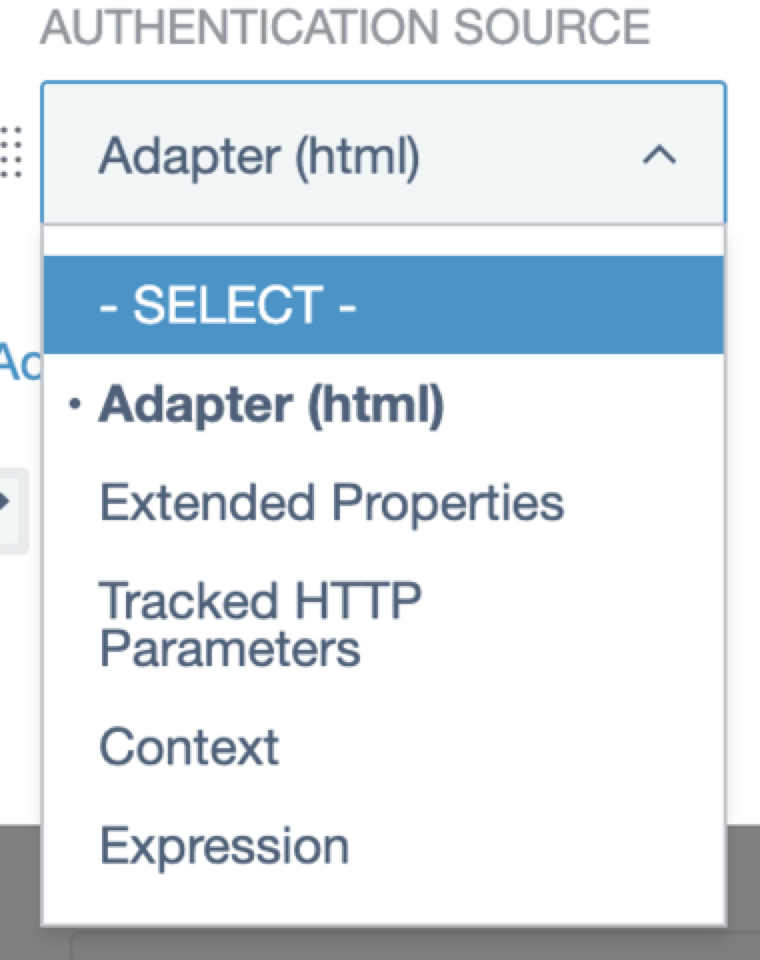
For example, you could configure tracked parameters in OIDC requests. Learn more in Defining authentication policies in the PingFederate documentation.
-
Route traffic based on the parameter you set in step 3a.
For example, if the value of a tracked parameter named
appVersionislatest, route traffic to the 3.0 adapter. If the value ofappVersionis anything else, route traffic to the 2.7.1 adapter.Learn more in Configuring rules in authentication policies in the PingFederate documentation.
-