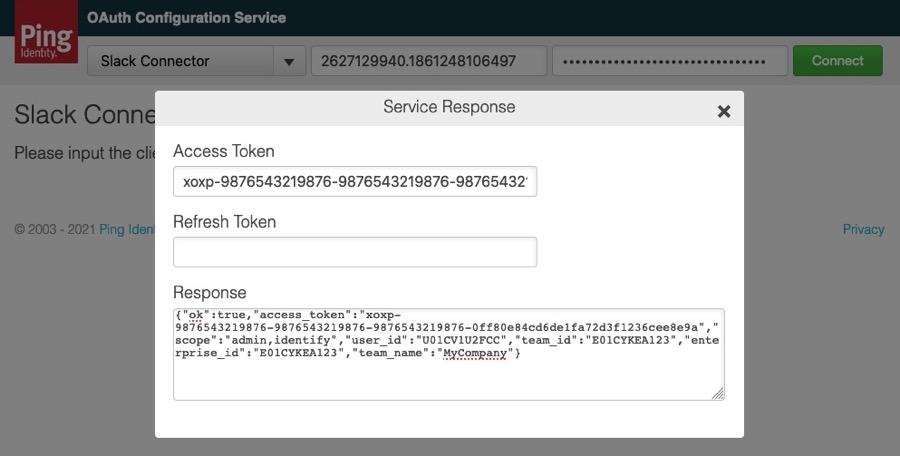
Getting an access token for Slack Enterprise Grid
Exchange your Slack Enterprise Grid client ID and secret for an access token.
Steps
-
In an "Incognito" (or "Private") browser window, go to the Ping Identity OAuth Configuration Service (OCS).
-
From the product list, select Slack Connector.
-
Enter the Client ID and Client Secret that you noted in Registering PingFederate as an app in Slack.

-
Click Connect.
-
In the Sign in to your workspace window, enter the URL for your Slack organization, such as
mycompany.enterprise.slack.com. Click Continue.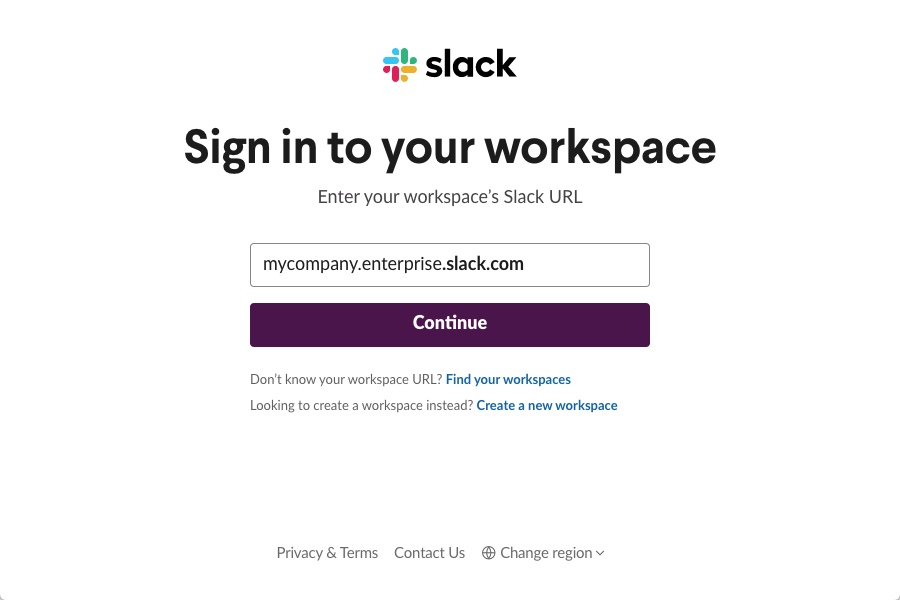
-
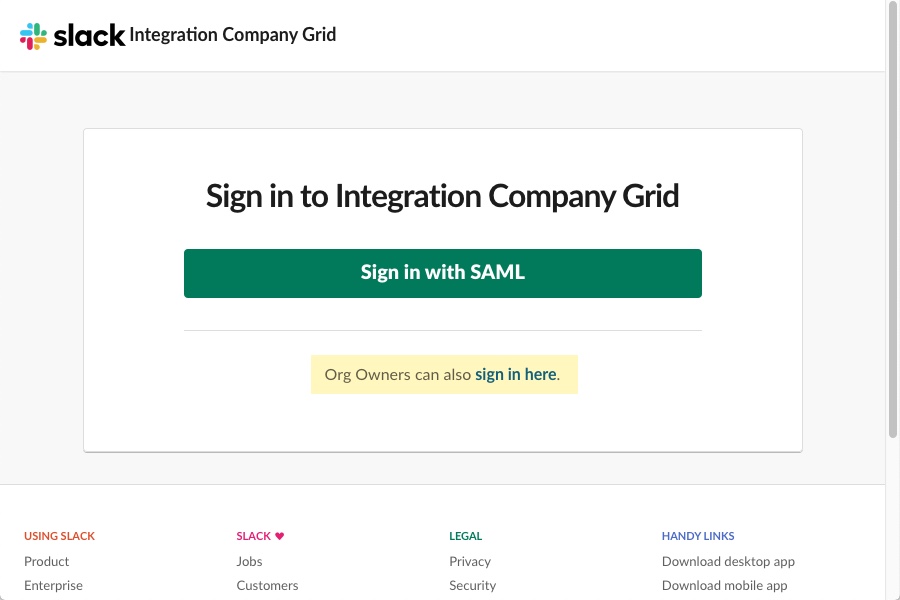
Click Org Owners can also sign in here.
-
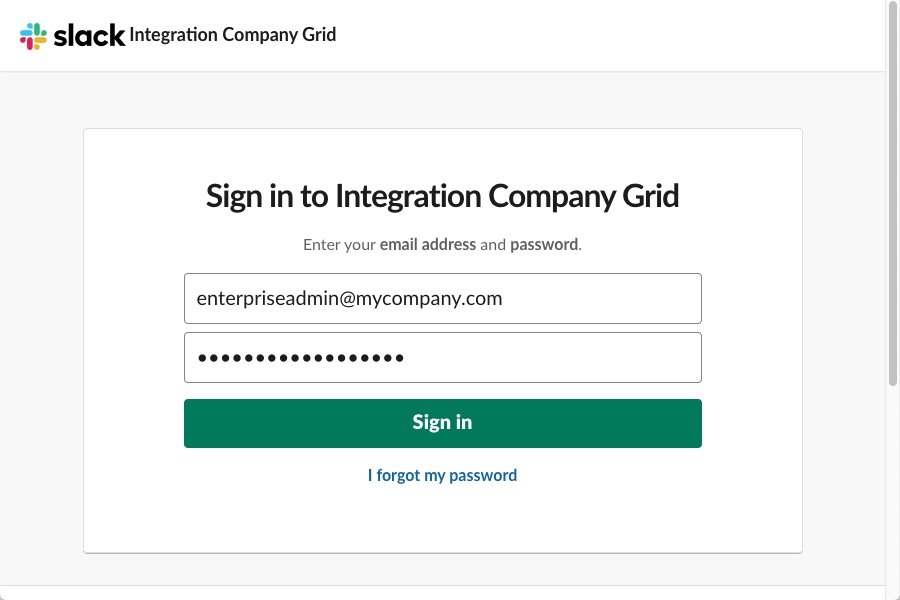
Enter your administrator credentials. Click Sign in.
-
When you receive a message that your application is requesting permission, check that the request is for the organization. Do NOT select a Workspace from the Please select an option list. Click Allow.
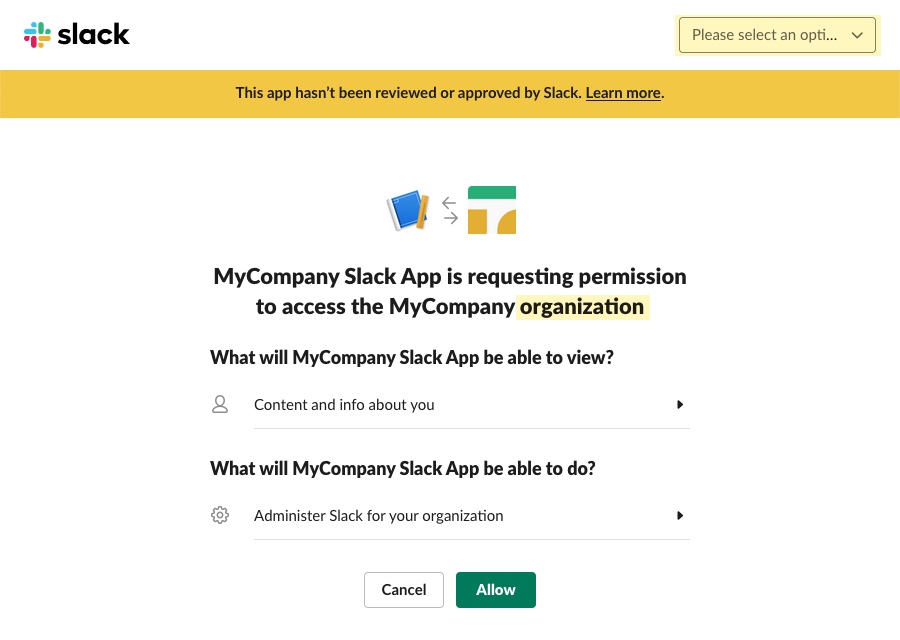
-
On the OAuth Configuration Service page, copy the Access Token.
You will use the access token in Creating a provisioning connection.