Viewing a webhook (early access)
Use the Webhooks page on the PingOne admin console to view details for webhooks that have been configured in PingOne.
Steps
-
In the PingOne admin console, go to Integrations > Webhooks.
The Webhooks page shows a list of the configured webhooks.
-
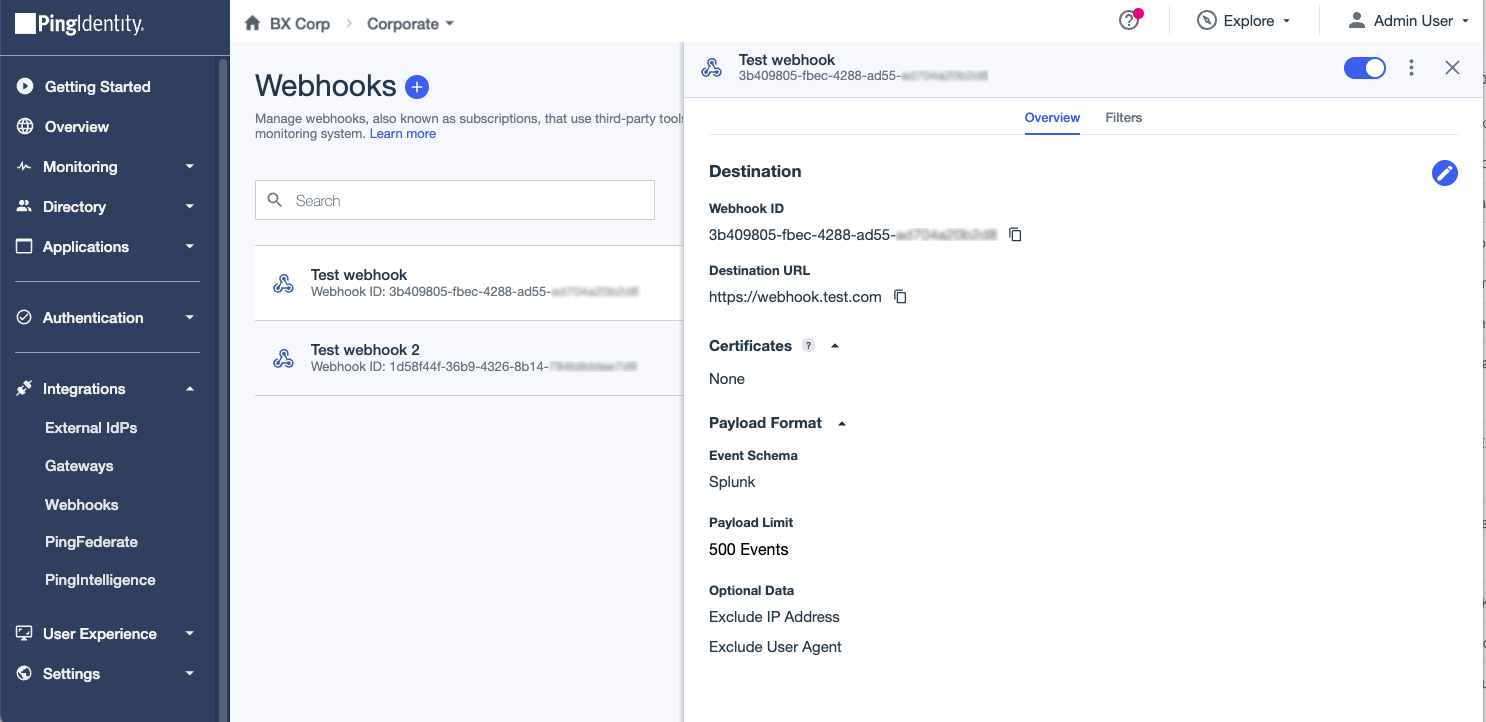
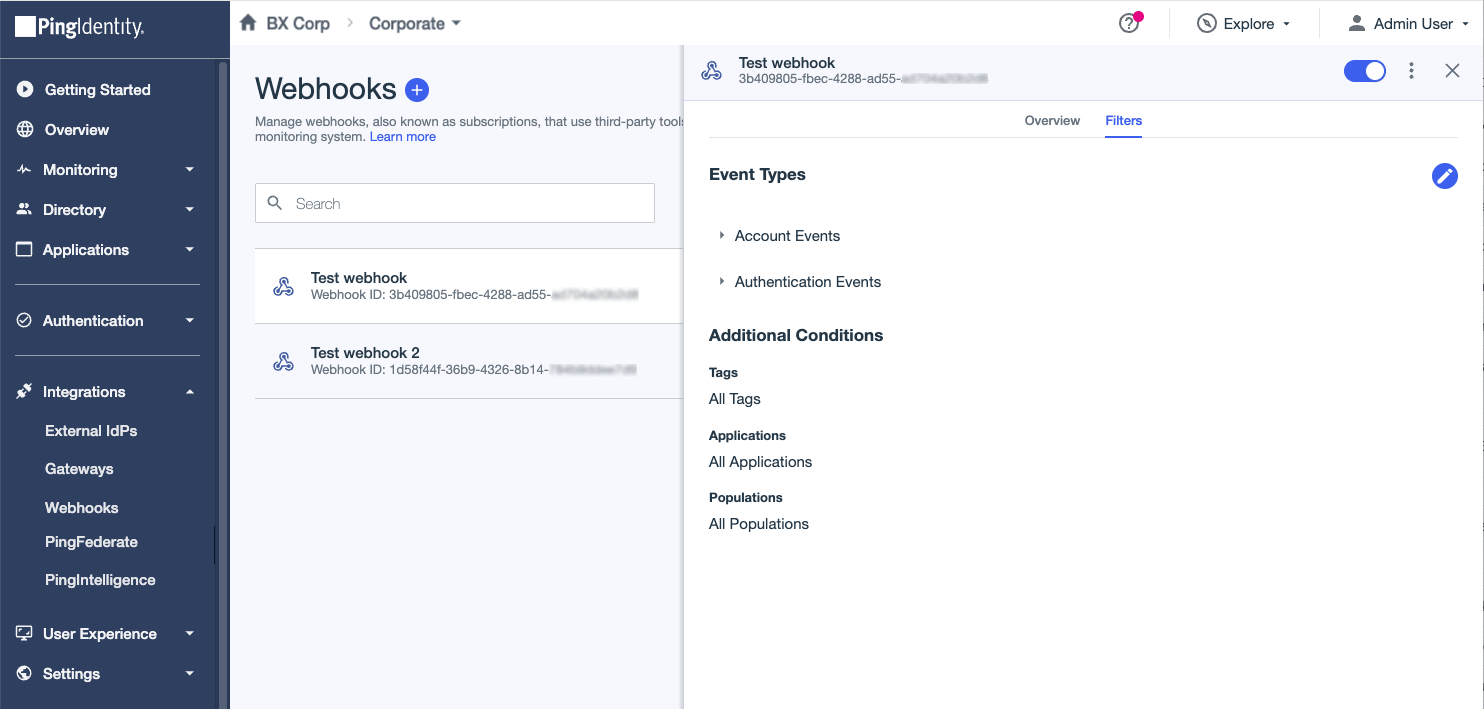
Click a webhook to open the details panel and review the configuration information, which is shown on the following tabs:
-
The Overview tab shows the destination, certificates, and payload format details.
-
The Filters tab shows the event types and filters details.
-
-
To enable or disable a webhook, click the toggle at the top of the details panel.