Adding a module in PingOne Authorize
Add a module to create an independent division of Trust Framework definitions, policies, and version history.
You can add up to 100 custom modules in each environment, in addition to the system-owned Default and API service modules.
|
To add an API service module, create an API service and enable custom policies for that service. |
You can edit the name and description of custom modules after creating them.
Steps
-
In the PingOne admin console, go to Authorization > Modules.
-
On the Custom tab, click the icon next to Modules.
-
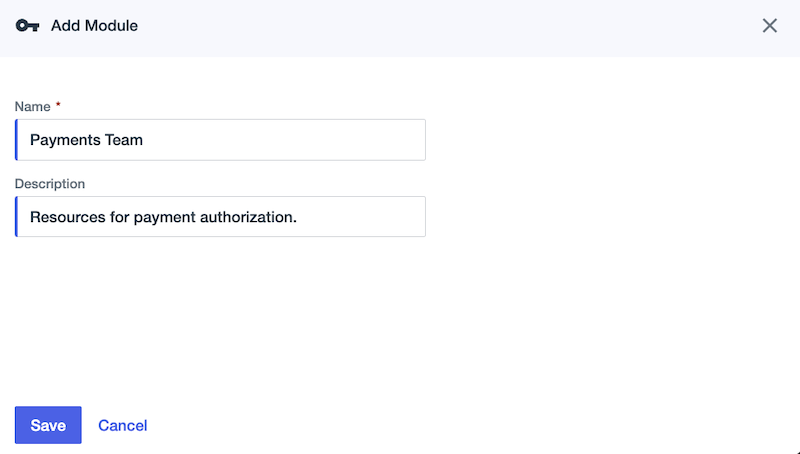
Enter a Name that identifies the module.
Each module in the environment must have a unique name.
-
(Optional) Enter a Description of the module’s purpose.
-
Click Save.
Next steps
Add authorization resources on the module’s Trust Framework and Policies pages to define the module’s authorization logic.
Learn more in Trust Framework and Authorization policies.