Deleting a key pair
Use the Certificates and Key Pairs page to delete a key pair from your environment.
|
PingOne prevents you from deleting certificates or key pairs that are currently in use. If a record is assigned to an application, for example a SAML integration, deletion is automatically blocked. |
Steps
-
In the PingOne admin console, go to Settings > Certificates and Key Pairs.
-
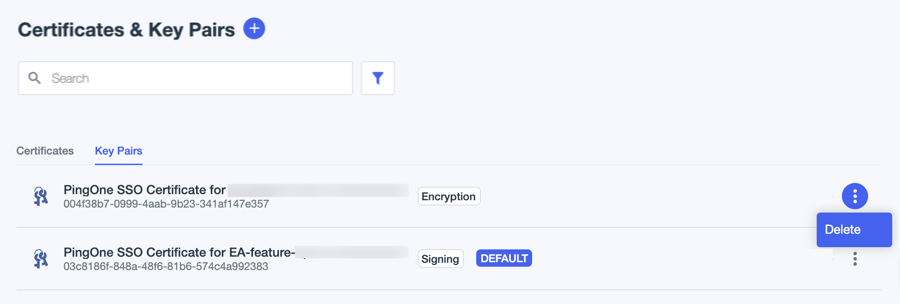
On the Key Pairs tab, browse or search for the key pairs you want to delete.
-
Click the More Options (⋮) icon on the key pair you want to delete, and click Delete.
-
Select the I understand and want to continue checkbox on the Confirm Delete Key Pair modal, then click Delete.