Custom favicon support added to themes (early access)
We’ve added support for custom favicons in PingOne themes. A favicon is a small square icon used to represent the environment in places like browser tabs or bookmarks.
The Favicon setting is a global theme setting.
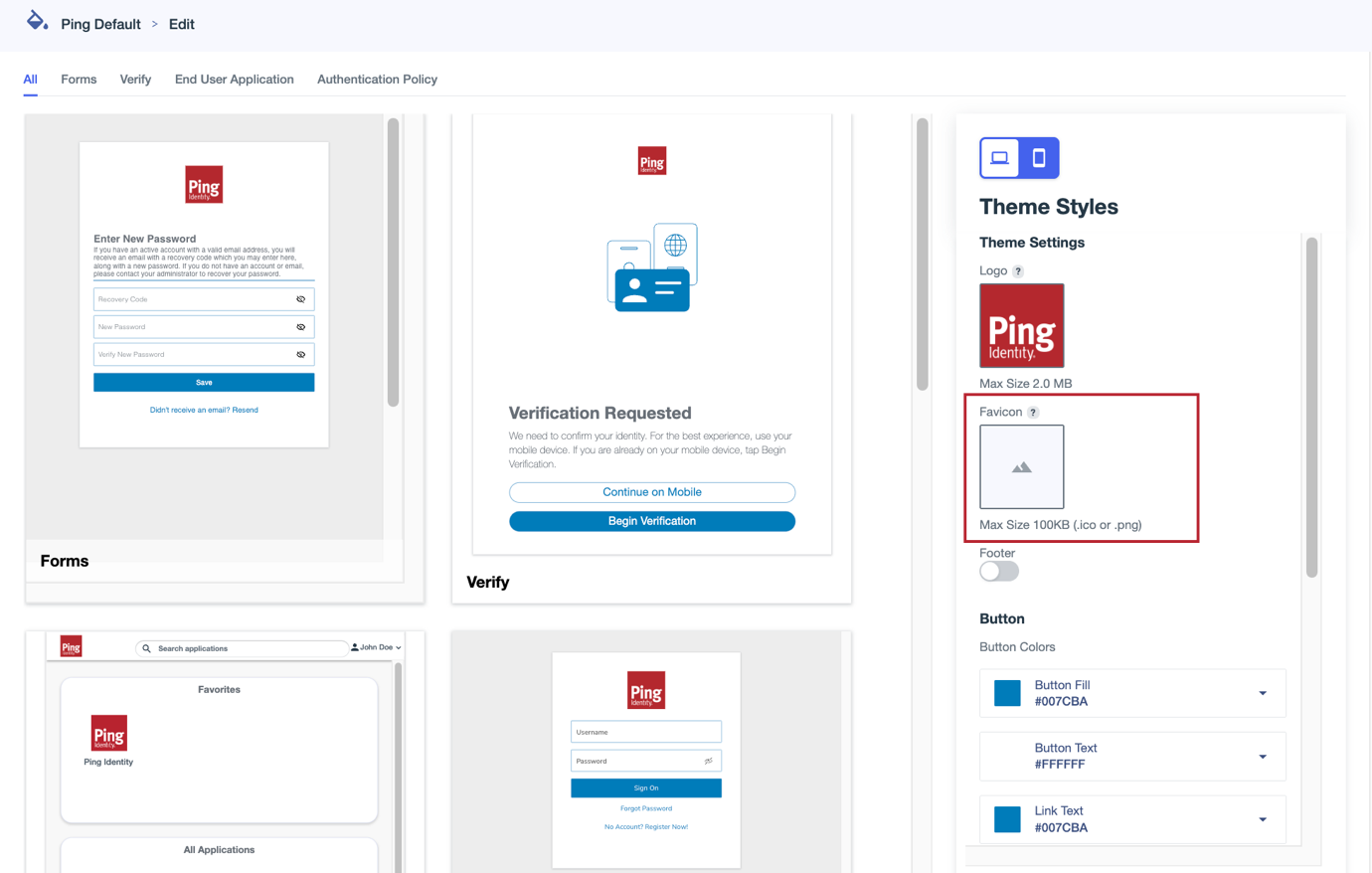
To manage favicons when creating or updating a theme:
-
Hover over the box and click the Camera icon () to upload an image. Select an image in
.icoor.pngformat up to 100 KB in size.-
If you don’t upload a favicon, the default browser favicon is used. Removing or resetting the favicon reverts to the default browser favicon.
-
If a Favicon URL is configured for a PingOne DaVinci flow, that favicon takes precedence over the theme favicon.
If the theme favicon isn’t available, the default PingOne favicon is used.
Learn more in Editing flow settings in the DaVinci documentation.
-
-
To change the image used for the favicon, click and select Upload New Image.
-
To delete a favicon from a theme, click and select Remove Image.
|
When using Google Chrome incognito mode, favicon updates might not display correctly even after a refresh because of caching issues. Try clearing your cache to display the correct favicon. |
Learn more about themes in Branding and themes.