Editing an experience (early access)
You can make changes to an existing experience from the Design Center in PingOne.
|
Changes are applied as soon as you save the updated experience. If the experience is assigned to an application, the sign-on experience for users accessing that application is updated immediately. |
Before you begin
To edit an experience, you must have the Environment Admin role or a custom role with equivalent permissions.
Steps
-
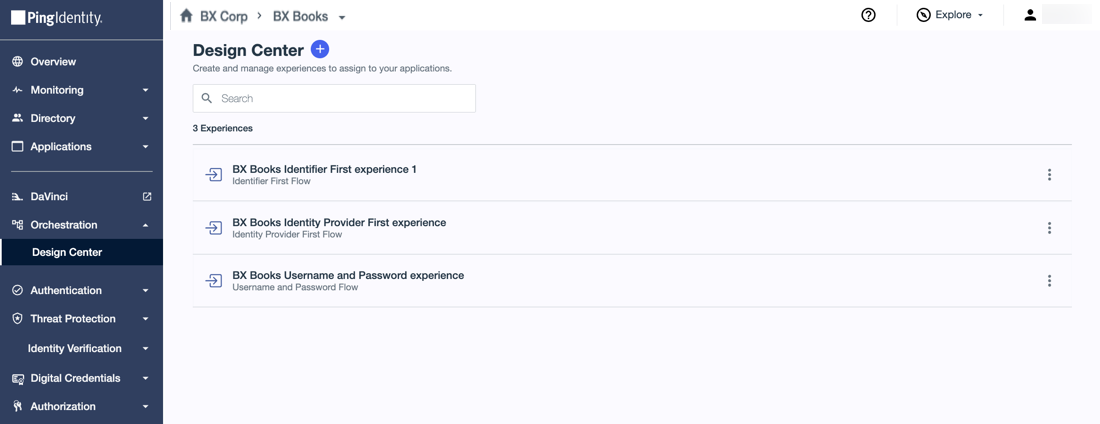
In the PingOne admin console, go to Orchestration > Design Center and browse or search for the experience you want to edit.
-
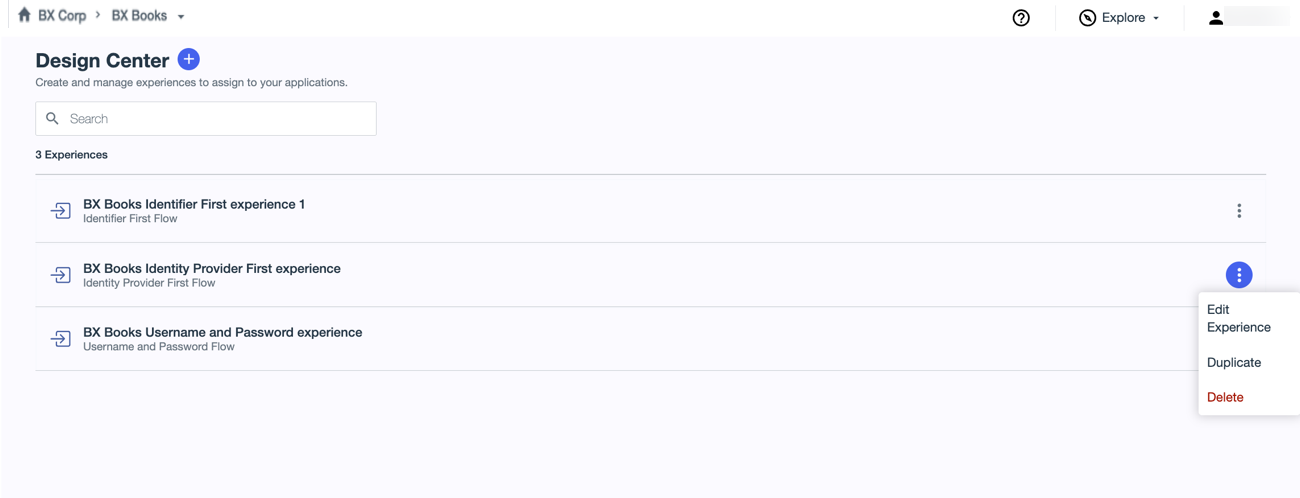
Click the More Options (⋮) icon and select Edit Experience.
-
Update the settings applicable to the experience you’re editing.
Learn more about the settings for experiences in the following topics:
-
Click Save.