Viewing experiences (early access)
View the sign-on experiences available in your PingOne environment by going to Orchestration > Design Center in the PingOne admin console.
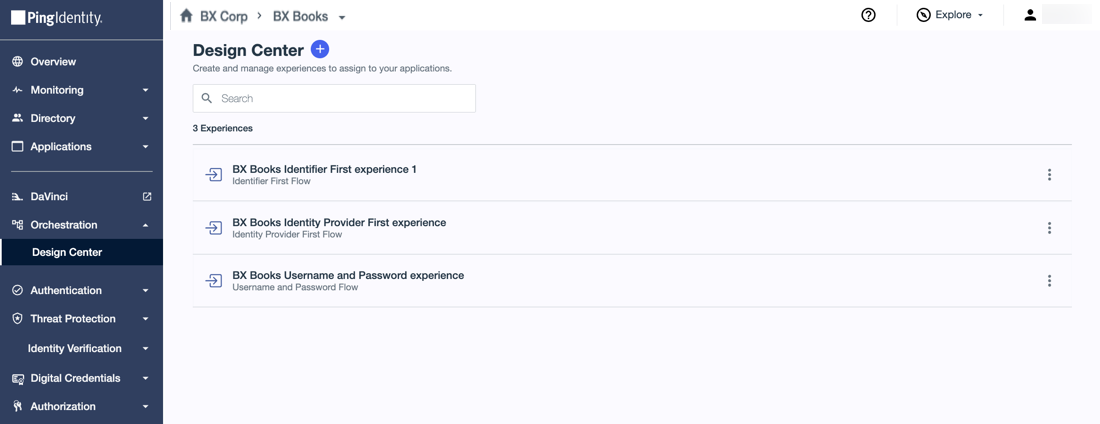
You can browse or search for a specific experience and click the experience to open the details pane.
Additionally, you can click the More Options (⋮) icon for an experience to perform the following tasks:
-
Edit Experience: Click to update the experience settings. Learn more in Editing an experience (early access).
-
Duplicate: Create a copy of the experience to use as a starting point for developing a new one that might have similar settings. Learn more in Duplicating an experience (early access).
-
Delete: Remove the experience from the environment. Learn more in Deleting an experience (early access).